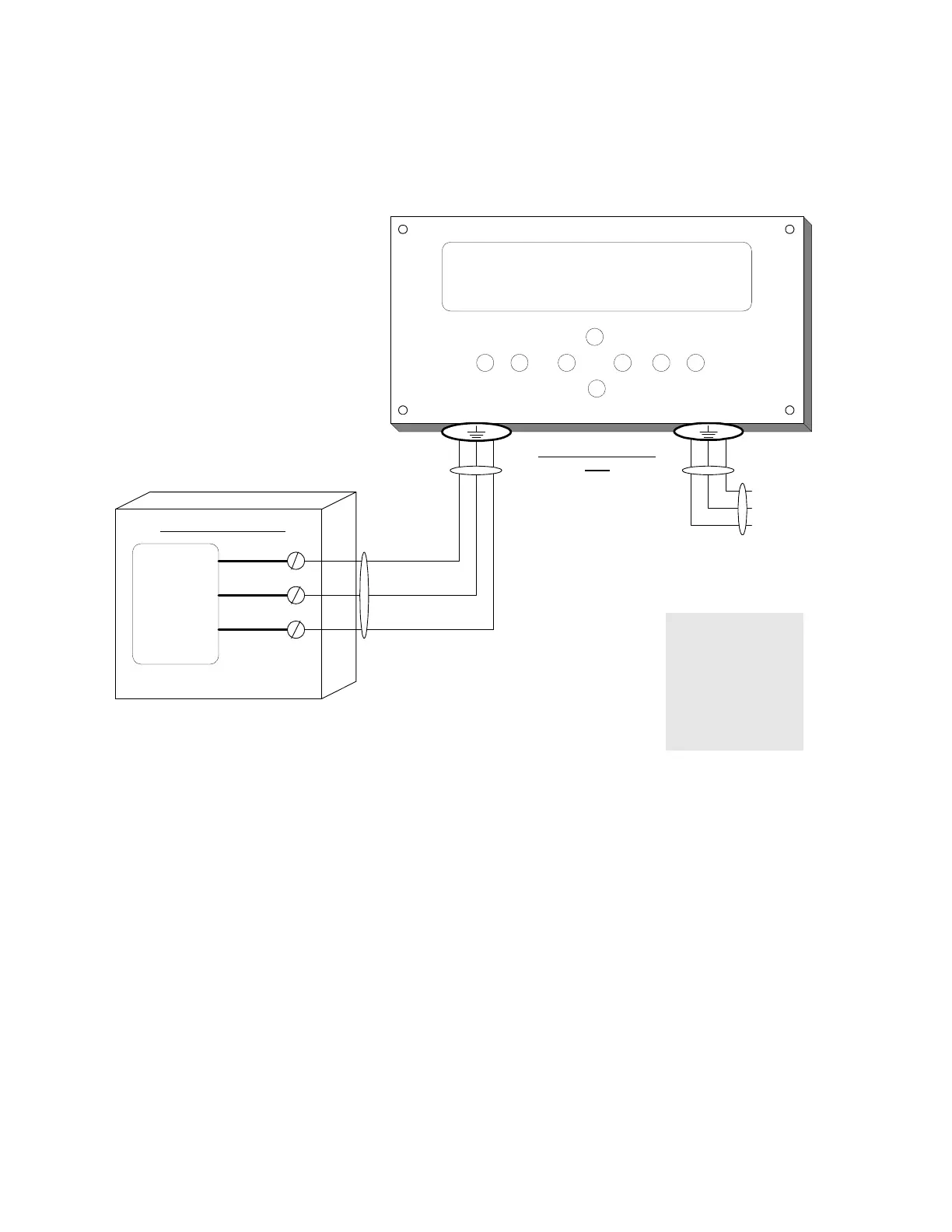
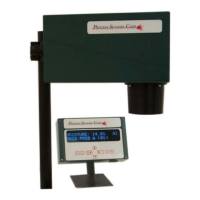
Connections for Sampler
SOLENOID
GRN
RED
RED
OPERATOR DISPLAY
BOX
AIR PURGE SOLENOID
Sampler (Air
purge)
connections.
1
2
LINE
EARTH
NEUTRAL
21
MOISTURE : 25.4 % 01
CONSTIT 2 : 35.6 % 01
LINE
EARTH
NEUTRAL
POWER IN
POWER OUT
To activate Sampler mode, using the Operator Interface, proceed to Engineering and cursor down until the display
reads:
SAMPLER Y/N
Place cursor over the Y and press Enter.
The display will briefly flash
SAMPLER ON
Cursor down one and the display will read:
SAMP PURGE = 0010
This is the time, in seconds that the air purge will be active.
Move down one more and the display will read:
SAMP FILL = 0020
This is the time allowed to fill the sampler with product.
Next position down display will read:
SAMP MEAS = 0010
This is the time allowed to take a measurement.
Next, and last, is the
SAMP DELAY = 0002
This is a delay before starting the cycle all over again. All the above values are modifiable.
57



 To Next Page