Getting Started
Introduction
Introduction
This Management and Configuration Guide is intended to support the
following switches:
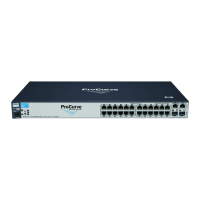
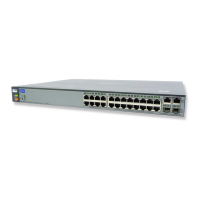
■ ProCurve Series 2600
■ ProCurve Series 2600-PWR
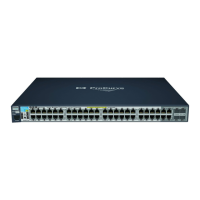
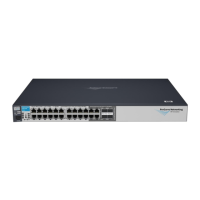
■ ProCurve Series 2800
■ ProCurve Series 4100gl
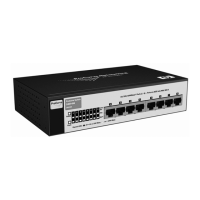
■ ProCurve Switch 6108
This guide describes how to use the command line interface (CLI), menu
interface, and web browser interface to configure, manage, and monitor
switch operation. A troubleshooting chapter is also included.
For an overview of other product documentation for the above switches, refer
to “Product Documentation” on page xv.
The Product Documentation CD-ROM shipped with the switch includes a
copy of this guide. You can also download a copy from the ProCurve website,
http://www.procurve.com.
Conventions
This guide uses the following conventions for command syntax and displayed
information.
Feature Descriptions by Model
In cases where a software feature is not available in all of the switch models
covered by this guide, the section heading specifically indicates which product
or product series offer the feature.
For example (the switch model is highlighted here in bold italics):
“QoS Pass-Through Mode on the Series 2800 and 4100gl Switches”.
1-2


 To Next Page