Using the Menu Interface
Rebooting the Switch
Rebooting the Switch
Rebooting the switch from the menu interface
■ Terminates all current sessions and performs a reset of the operating
system
■ Activates any menu interface configuration changes that require a reboot
■ Resets statistical counters to zero
(Note that statistical counters can be reset to zero without rebooting the
switch.)
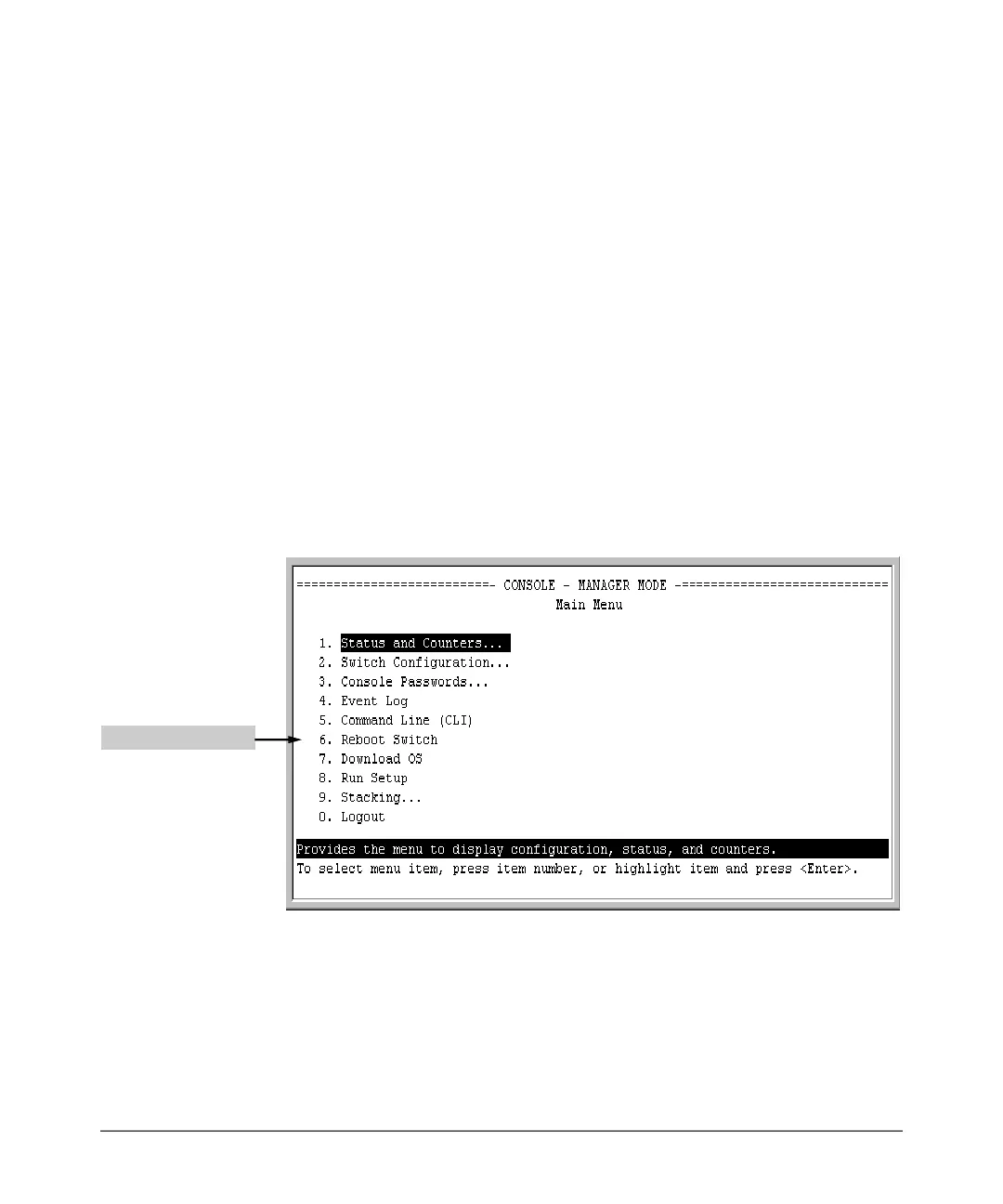
To Reboot the switch, use the Reboot Switch option in the Main Menu. (Note
that the Reboot Switch option is not available if you log on in Operator mode;
that is, if you enter an Operator password instead of a manager password at
the password prompt.)
Reboot Switch option
Figure 3-6. The Reboot Switch Option in the Main Menu
3-12


 To Next Page