Copyright © 2015 RCA Communications Systems
15RDR3500
TM
/ RDR3600
TM
Professional Digital Two-Way Radio Instruction Manual
R
D
R
3
6
00
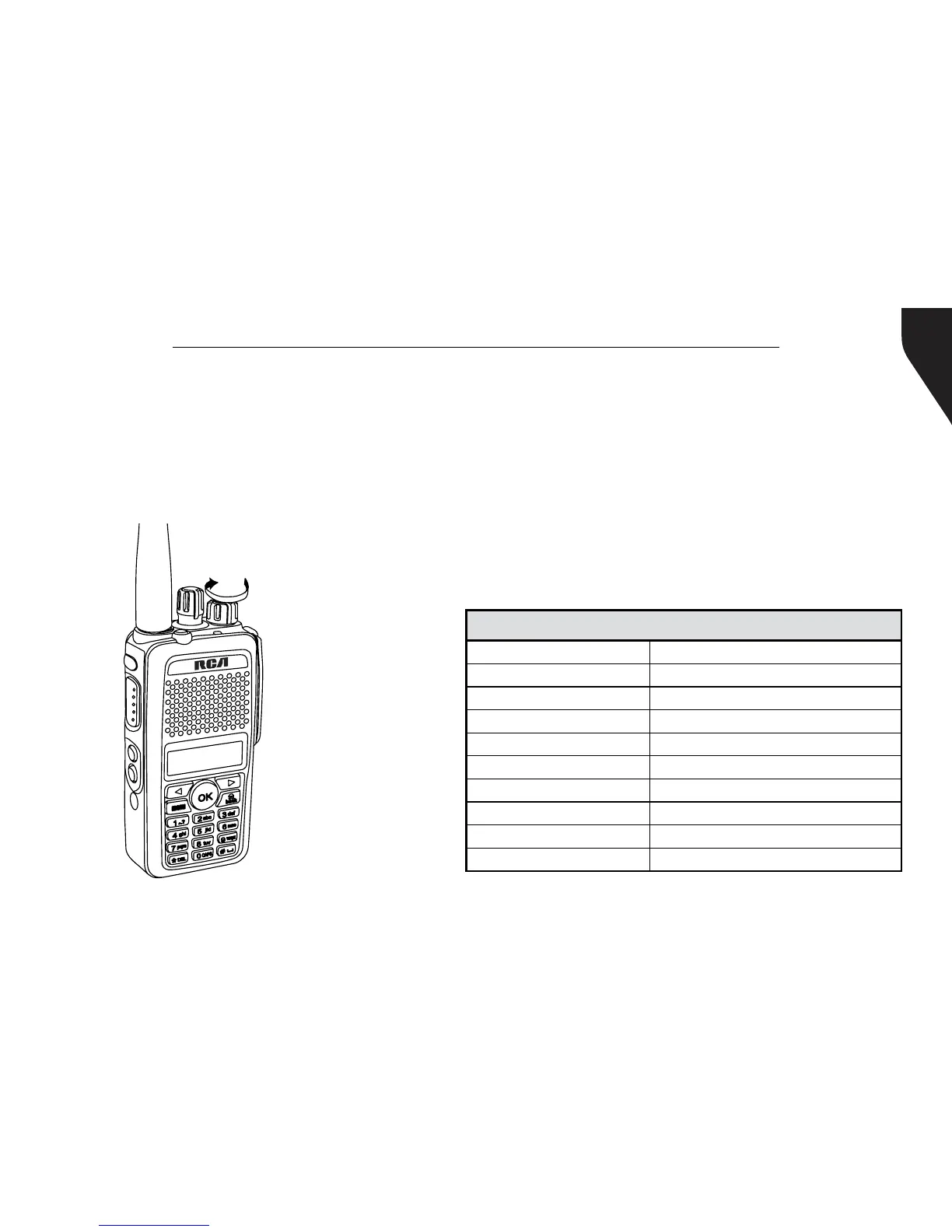
Adjusting the Volume
To increase the volume, turn the On/Off/
Volume Control Knob clockwise. To decrease
the volume, turn this knob counterclockwise.
(See Figure 8)
Note: Same procedure for RDR3500
TM
Figure 8
Programmable Buttons
Your RCA Communications Systems
Dealer can program the programmable
buttons as shortcuts to radio functions
or preset channels/groups depending
on the duration of a button press:
- Short Press - Press and release quickly.
- Long press - Press and hold for the
programmed duration (between 1 seconds
and 3.75 seconds).
The Programmable Functions are:
All Alert Tones On/Off One Touch Access 5
Emergency On One Touch Access 6
Emergency Off Repeater/Talkaround
Nuisance Delete Scan On/Off
High/Low Transmit Power Tight/Normal Squelch
Monitor On/Off Privacy On/Off
One Touch Access 1 VOX On/Off
One Touch Access 2 Lone Worker On/Off
One Touch Access 3 Zone Toggle (Only RDR3500
TM
)
One Touch Access 4 Battery Indicator (Only RDR3500
TM
)


 To Next Page