50
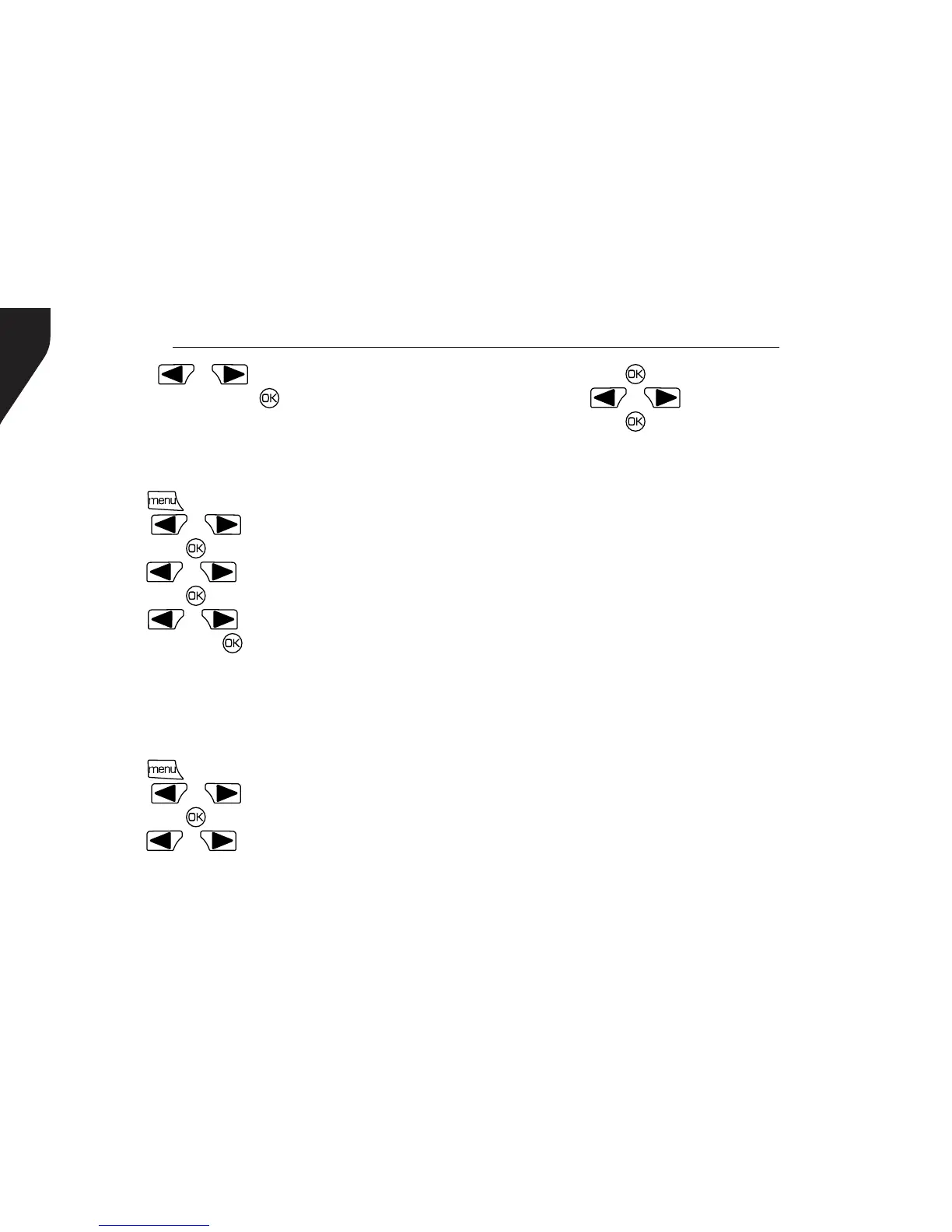
4. Press [ or ] to navigate to My
Number and press [ ] button.
5. The display shows radio ID and alias.
Checking the Firmware Version
Display the rmware version on your radio.
1. Press [ ] to access the menu.
2. Press [ or ] to navigate to Utilities
and press [ ] to select.
3. Press [ or ] to navigate to Radio Info
and press [ ] to select.
4. Press [ or ] to navigate to Firmware
Ver. and press [ ] button.
5. The display shows the current Firmware
version.
Checking the Codeplug Version
Display the codeplug version on your radio.
1. Press [ ] to access the menu.
2. Press [ or ] to navigate to Utilities
and press [ ] to select.
3. Press [ or ] to navigate to Radio Info
and press [
] to select.
4. Press [ or ] to navigate to CP Ver.
and press [
] button.
5. The display shows the current Codeplug
version.
CARE AND CLEANING
• Do not directly handle the radio by its
antenna or external microphone.
• Do not place the radio in a dusty or dirty
environment.
• Clean the radio with a lint-free cloth
moistened with clean water and/or a mild
dishwashing liquid to remove dirt, grease,
and dust.
• Avoid subjecting the radio to corrosives,
solvents or spirits.


 To Next Page