3350F Series Operation Manual 89
4.6.3. STAGE Set and read the status of Load
[STATe
:
] LOAD {SP}{ONOFF}
Syntax: [STATe:] LOAD{SP}{ONOFF}{;NL}
[STATe:] LOAD ?{;NL}
Purpose:Set and read the status of Sink Current or not
Description:This command is used for setting the status of Sink Current . When
setting it to ON, the Load is going to sink current from appliance. When
setting it to OFF, the Load would not act.
[STATe
:
] MODE {SP}{CCCRCVCP}
Syntax: [STATe:] MODE {SP}{CCCRCVCP}{;NL}
[STATe:] MODE ?{;NL}
Purpose:Set and read the mode of LOAD
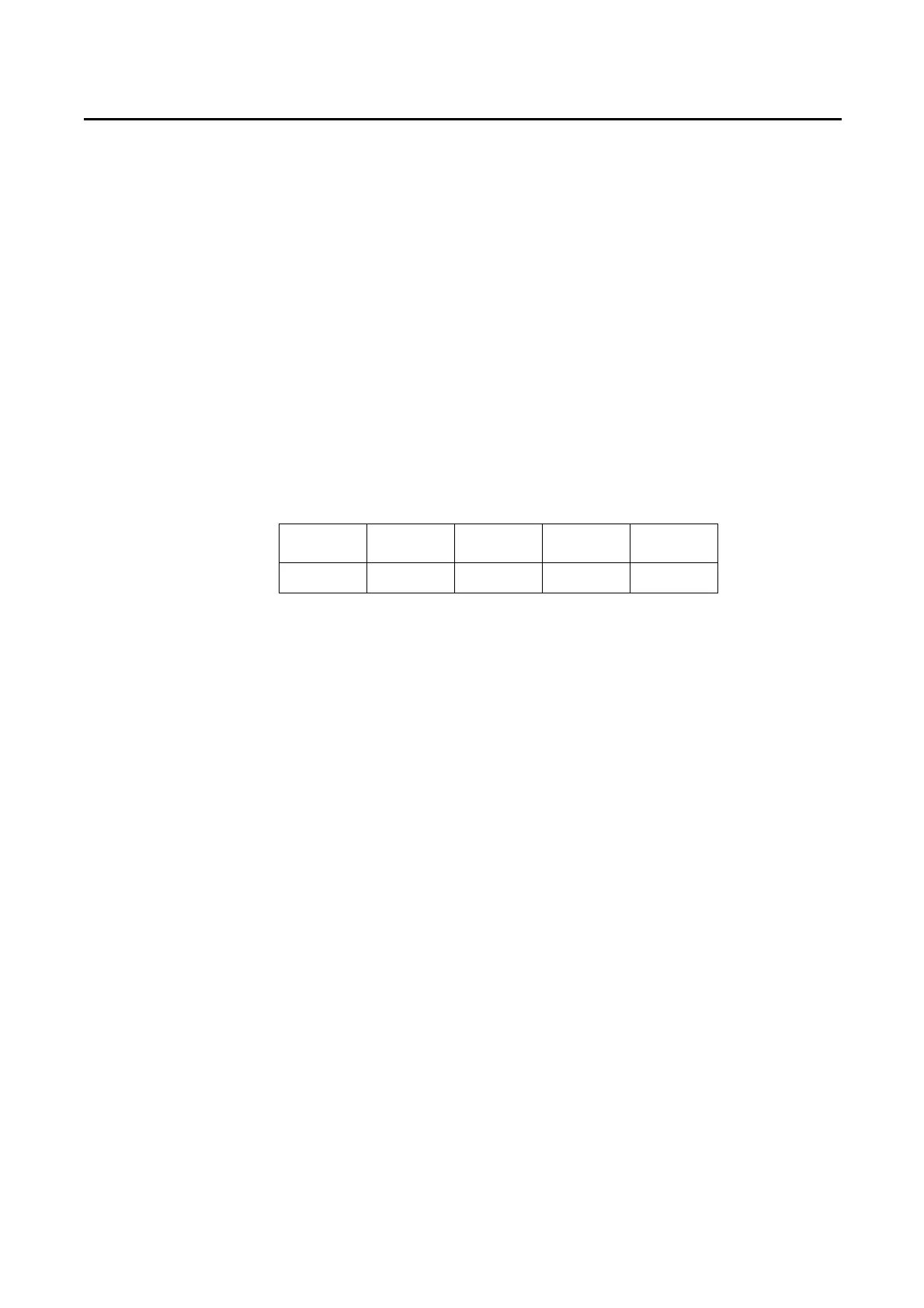
Description:Load is acting under these four modes as the following TABLE 4-9. When
reading the Loading Operation mode, the return value 0123 are meant
to be CCCRCVCP
CC
(0)
CR
(1)
CV
(2)
CP
(3)
3350F V V V V
Table 4-9 module for each series
[STATe
:
] SHORt {SP}{ONOFF}
Syntax: [STATe:] SHORt {SP}{ONOFF}{;NL}
[STATe:] SHORt ? {;NL}
Purpose:Set and read the short-circuit test of Load
Description:This command is for setting the Load to make a short-circuit test. While
setting for the ON, the V+, V- pin of Load like short-circuit status.
[STATe
:
] PRESet {SP}{ONOFF}
Syntax: [STATe:] PRESet {SP}{ONOFF}{;NL}
[STATe:] PRESet ? {;NL}
Purpose:Set the upper or lower digit multi-function meter to display the programming
load level.
Description:This command is for select the left 5 digit LCD display to show current
setting or DWM.
Pres ON:To select the LCD display to shows current setting
Pres OFF:To select the LCD Display is 〝DWM〞



 To Next Page