Prodys S.L. Tel: +34 91 6896880 Fax: +34 91 6943777 Email: sales@prodys.net Web: www.prodys.com
Page 13
III.1 Turning on the units
Quantum XL can be powered by its auxiliary external battery or can be
connected to the external power adapter supplied with the unit. Quantum ST can
be connected directly to any standard 110/220VDC power supply as it comes
equipped with an internal Power Supply Unit (PSU).
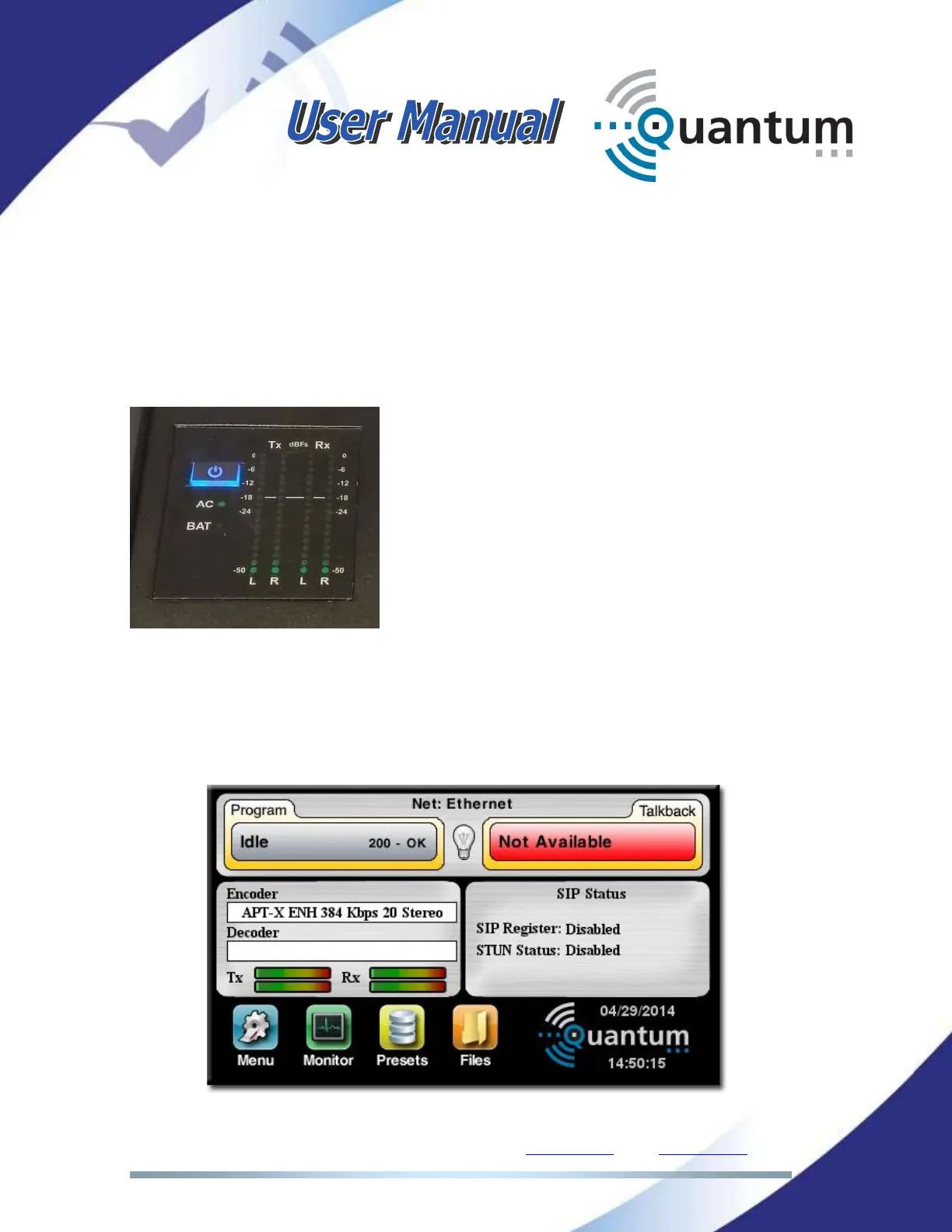
Quantum XL has a button on the left side of the
touch panel, near the VU-meters, that must be
pressed for a few seconds for the unit to start.
The same procedure must be followed to turn
the unit off.
III.2 Main menu
Once the units have been turned on, the booting sequence will begin. The units
will show the main menu on the touch panel screen or in the web browser
similar to the one shown in the picture below:



 To Next Page