Prodys S.L. Tel: +34 91 6896880 Fax: +34 91 6943777 Email: sales@prodys.net Web: www.prodys.com
Page 46
IMPORTANT: this configuration will be overridden if the
caller uses a profile when establishing the call. Take into
account that the user can define different
configurations/profiles that affect the operation of the jitter
buffer at the receiving end. To avoid this type of operation,
the user should choose ‘None’ as the selected profile when
establishing the call and the receiving end will use the
configuration defined by the user in this configuration
section.
IV.2.1.11. Connection Profiles
A connection profile is a user-configurable set of parameters that will be enabled
whilst the duration of an audio connection. The values set in the profile are no
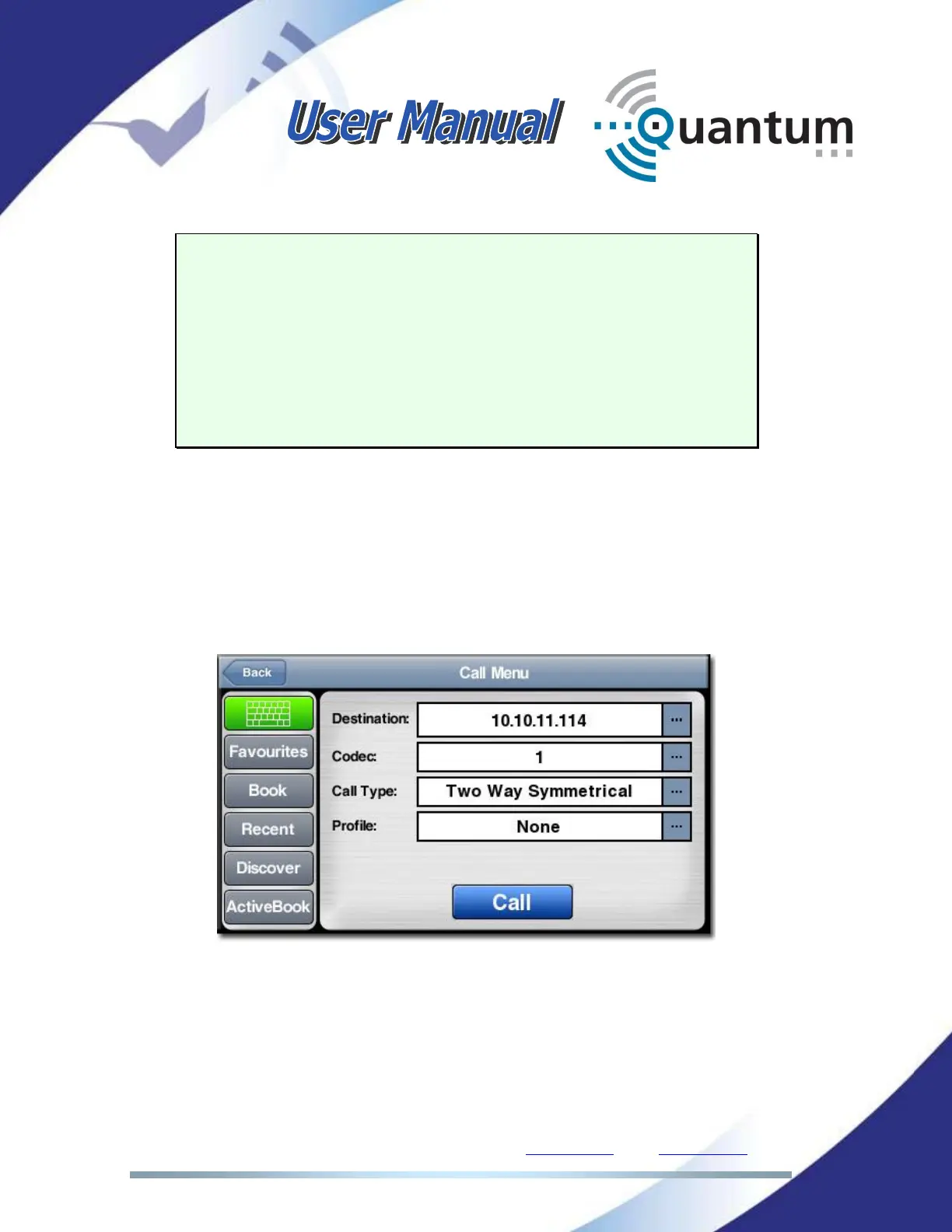
longer valid when the connection finishes. The profile is selected in the Call Menu
window, along with the call type and the destination:
One bidirectional communication can use two different profiles (asymmetrical),
one for each direction, or can use the same profile (symmetrical) in both
directions.
If no profiles are selected, the buffer at the receiver end will keep its current
configuration.



 To Next Page