Prodys S.L. Tel: +34 91 6896880 Fax: +34 91 6943777 Email: sales@prodys.net Web: www.prodys.com
Page 93
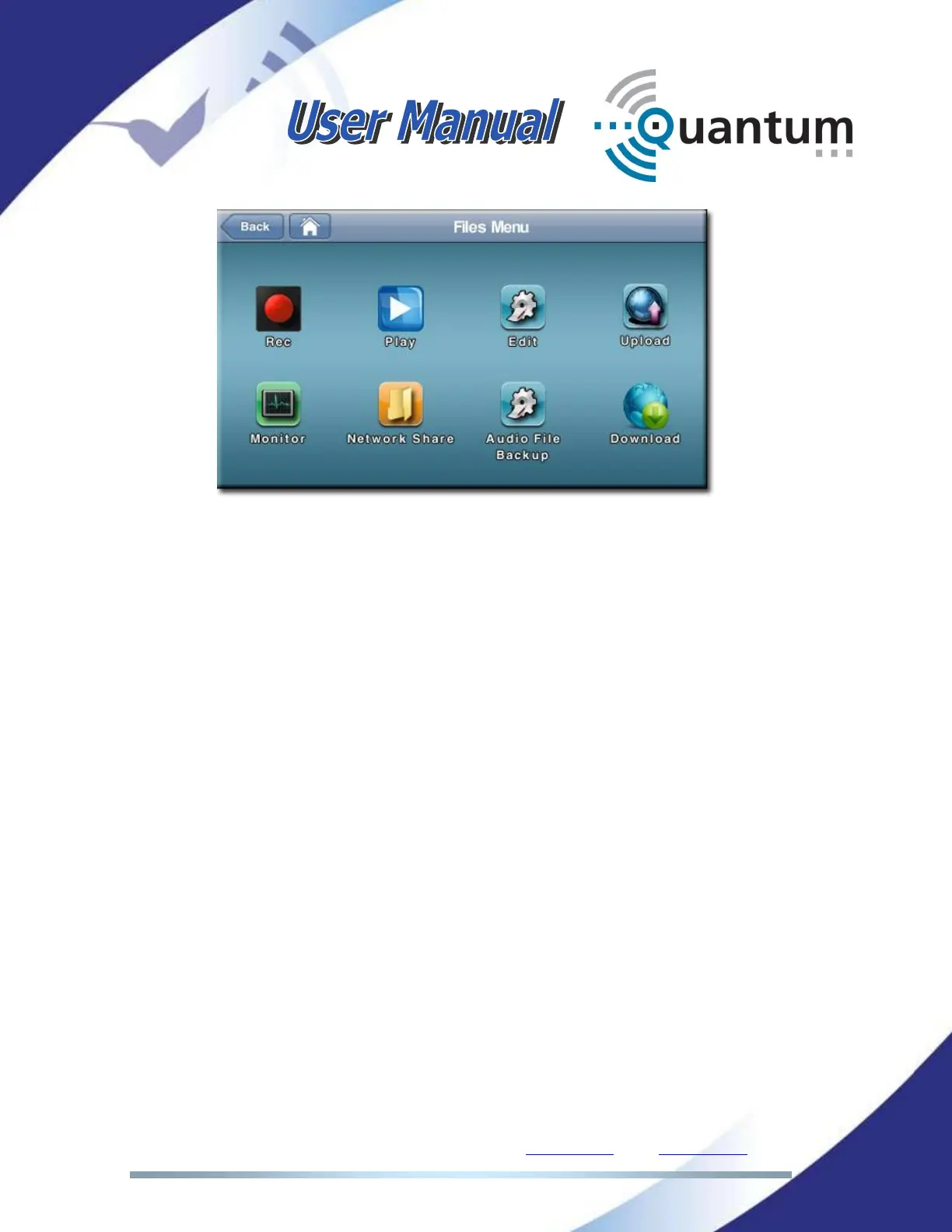
IV.6.1 File recording menu
There are two different sources of recorded data:
The PROGRAM channel content.
The incoming stream from a remote codec.
Both sources can be selected, even simultaneously, to create new recorded files.
The format of the audio file will be always uncompressed audio, with .wav
extension.
Three actions might be controlled from this menu:
To start the file recording in the available storage system, press on the
button with the red circle. The file will get a name automatically, but that
name can be edited later on by the user.
Stopping the recording is performed by pressing the button with the grey
square on it.



 To Next Page