Prodys S.L. Tel: +34 91 6896880 Fax: +34 91 6943777 Email: sales@prodys.net Web: www.prodys.com
Page 80
IV.4 Monitor menu
The user can check in real time many different parameters regarding the
streaming operation and network performance thru the monitor menu.
The monitor menu is divided into six sections for specific information:
Main
(Line Status, buffers)
Audio
(TX /RX VU-meters, audio compression status)
Streaming
(Complete statistics of the transmission)
3G/4G
(Availability and strength of 3G/4G networks)
System
(local IP address, temperatures, feeding voltage)
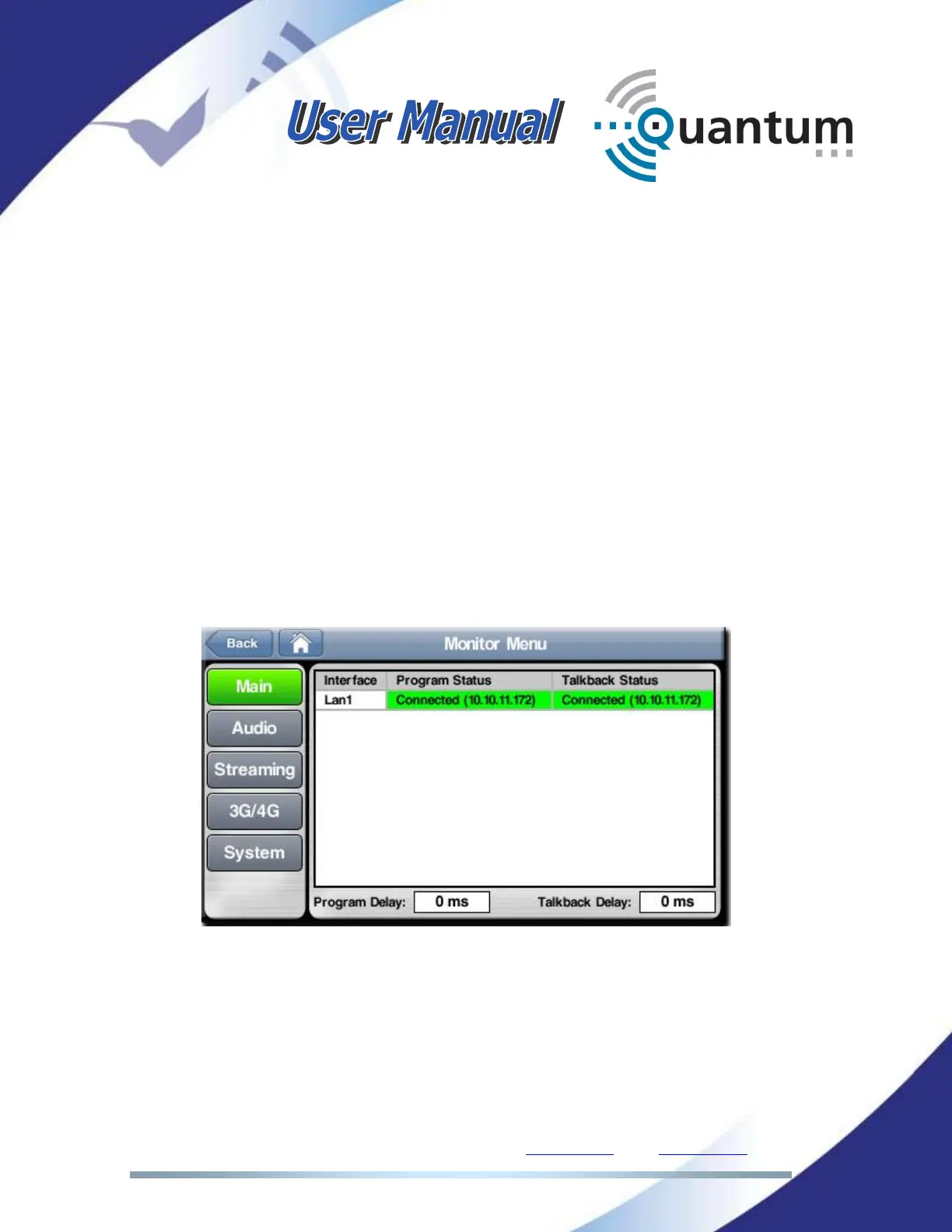
IV.4.1 Main monitor screen
This screen shows the status of the lines contributing to the PROGRAM and
TALKBACK communications. This status may be
Connected / Reconnecting /
Disconnected
/ No physical line
.
This screen also shows the delays of Program (Codec 1) and Talkback (Codec 2)
communications.



 To Next Page