3
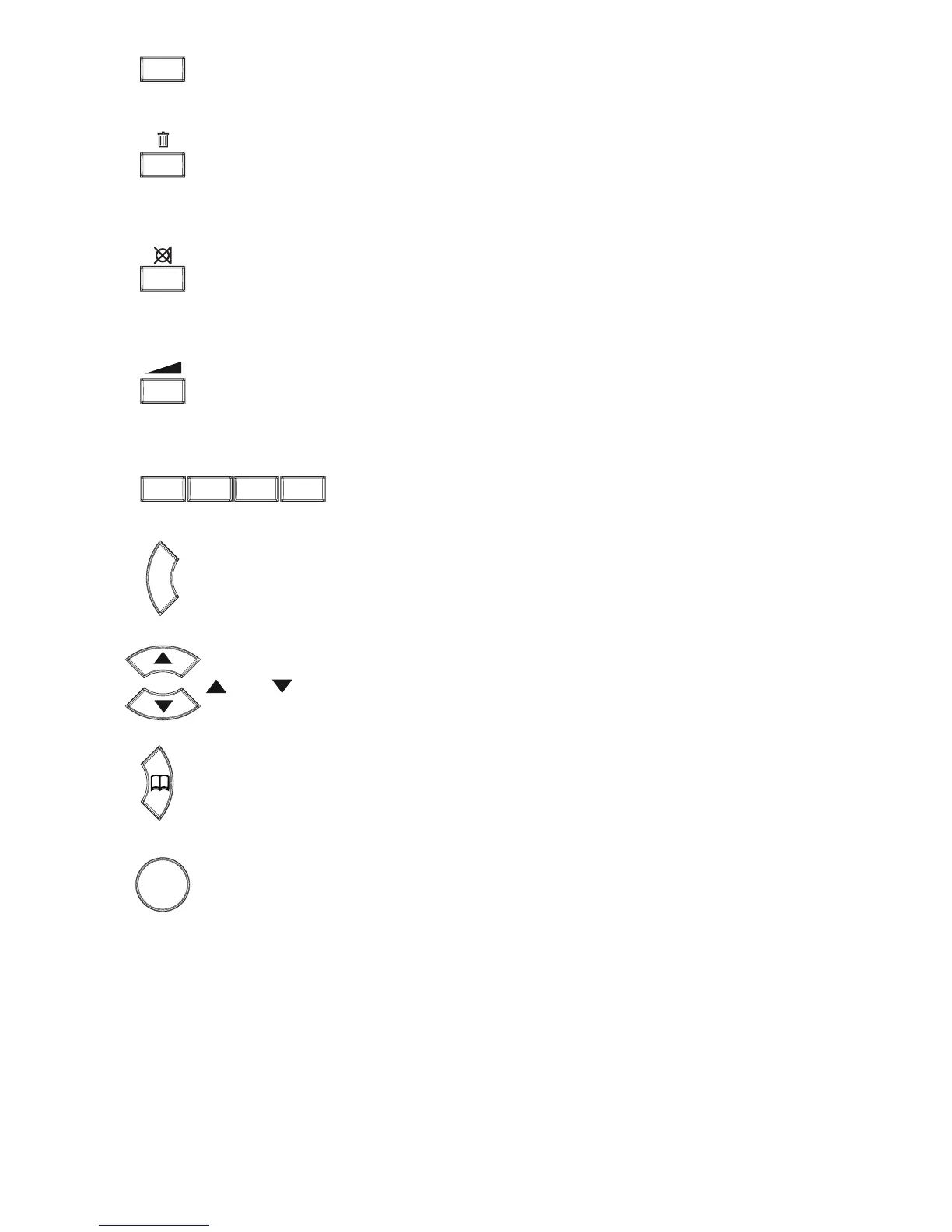
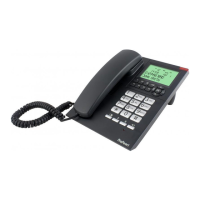
to dial 2-button memories
to delete memories
during a call, press to switch off the microphone (MUTE), press again to
switch the microphone back on
to adjust the volume for hands-free calls
4 direct memory buttons
correction button, to delete wrong entries in names or numbers
and buttons, to scroll memories and settings
phonebook, the open the telephone memory
OK button, to save settings and memories


 To Next Page