CONFIGURING DEVICES AND FIRMWARE UPDATES
The configuration tool under https://insight.proglove.com/ can be used to individually set the ProGlove System to improve
scanning processes and to update the firmware.
To update the firmware proceed with step 7.
To create a new configuration proceed with step 1.
1
ST
STEP: OPEN CONFIGURATIONS
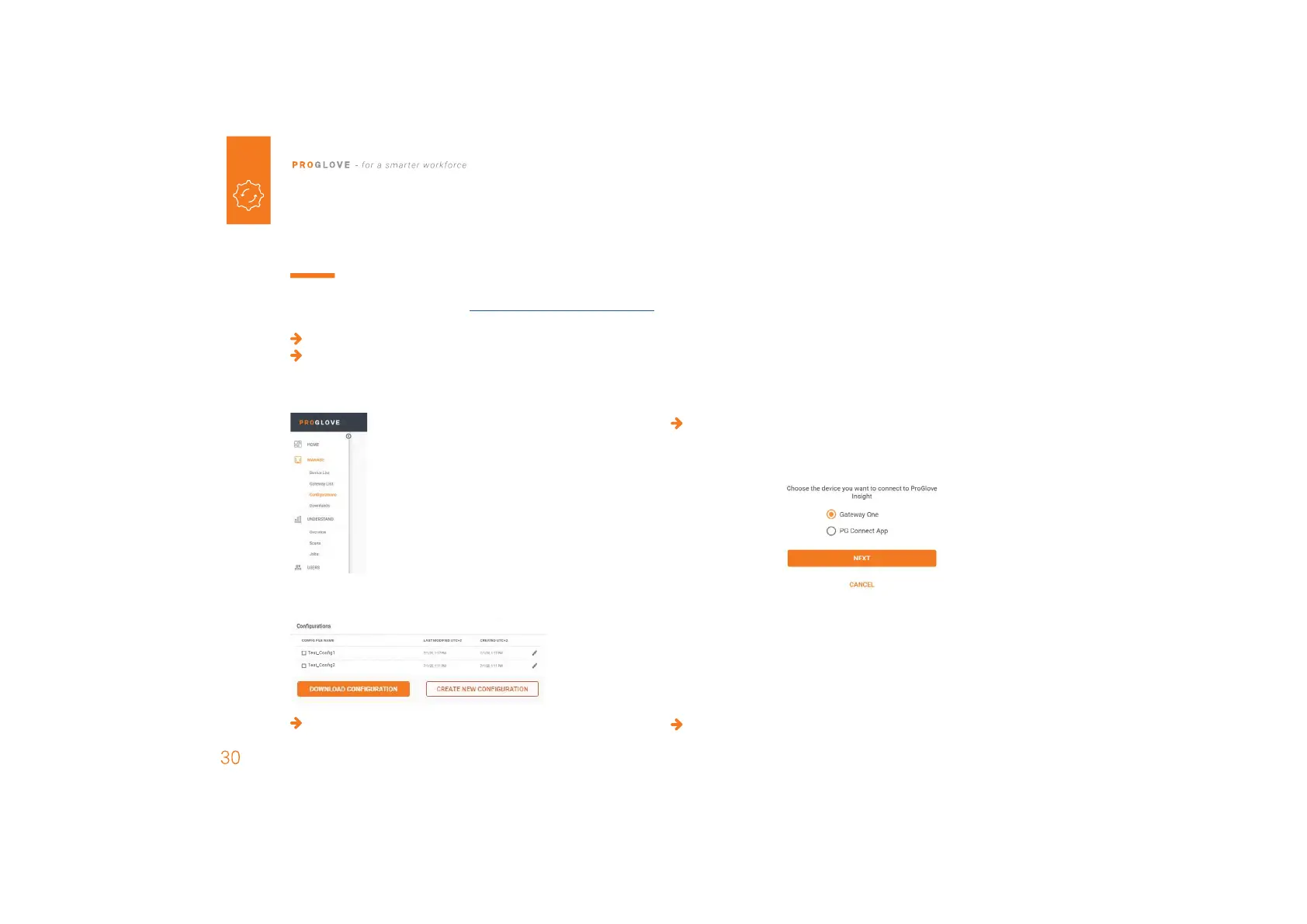
1. Go to Configurations in the Insight
navigation.
2. Select a saved configuration or create a new one.
To install a saved configuration proceed with step 7.
2
ND
STEP: CREATE A NEW CONFIGURATION
Choose which connectivtiy option is used and need to be
configurated.
3
RD
STEP: CONNECTIVITY CONFIGURATION
It is possible to configure the connectivity settings according
to the end device.
Gateway Multipairing: It is also possible to adjust the
maximum number of scanners that can connect to the
Gateway
(up to 5 devices)
.
Choose the preferred settings.



 To Next Page