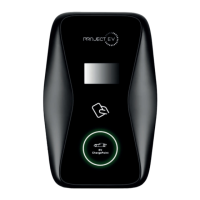
4
Standby status
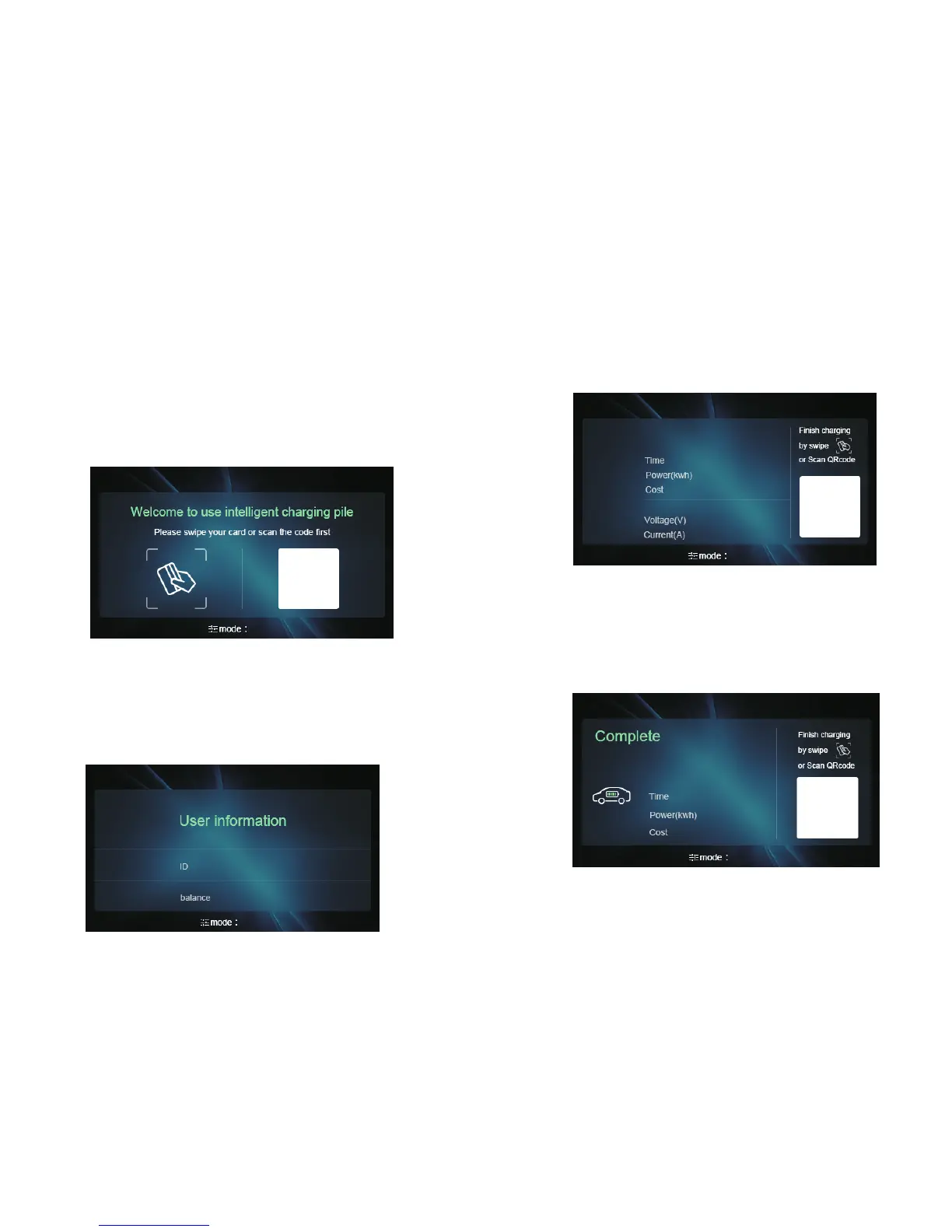
The charging equipment will enter standby status after powering on, the following
interface will appear on the LCD,
Swipe card to start charging
Plug the charging gun into the vehicle inlet and swipe the card, the charging
equipment will freeze the credit of the card after recognizing it, the credit will be
unblocked after the charging. At the meantime, the charging equipment will show
the following interface with card ID and balance displayed.
3
4.Operation
Switch on the power to power cable, the Red and Green status indicator will flash to
initiate and start the control circuit. The charging equipment will successfully start
and be ready to use after the LED turns off.
At standby status, users can swipe card to check credit balance
This interface is same with the interface of balance checking at standby status..
During the charging
There will be electricity consumption, time and money spent showing on the display.
The Green status indicator will lit continuously during the charging.
Swipe card again to stop charging
Re-swipe with the same card, the charging equipment will bill according to the
electricity consumption and release the locked charging gun, the billing interface will
appear on the display.


 To Next Page