5 6
Charging complete without re-swiping card
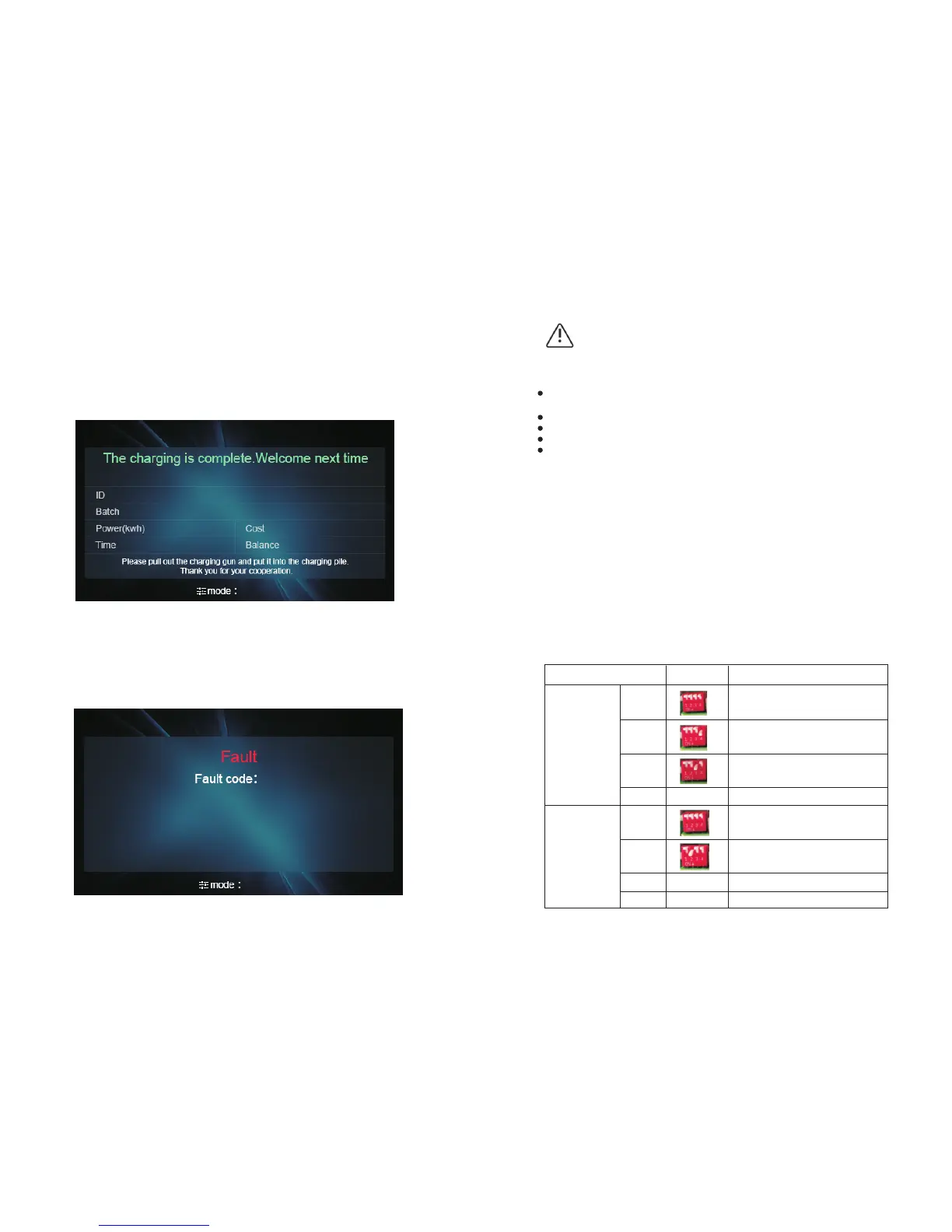
Charging complete will change the display to the following interface indicating user
to swipe card to bill. The card will be frozen if leaving without re-swiping. The frozen
card can only be unlocked at this specific charging equipment by swiping or at
backend office where the card was issued.
Notification interface
The following notification interface will come out at fault status or when the
emergency button is pushed. Fault code will appear along with the Red status
indicator.
DANGER
Notice:
The charging equipment will only return to normal operation on condition of the
following faults when,
The grid voltage falls below upper limit by 5V at over voltage fault;
The grid voltage rises above lower limit by 5V at under voltage fault;
The casing temperature falls below upper limit by 5oC at over temperature fault.
High temperature fault will result in half output power. Over temperature fault will
stop the charging.
5. System Parameter setting
Image
Meaning
XX 00
XX 01
XX 10
XX 11
00XX
The network connection is via
LAN cable(LAN/WAN)
The network connection is via WiFi
Reserved for future use
Case C, cabled version charger
The network connection is via 4G
DIP coding
The DIP switch has 4 bit, the farthest right bit is bit0. Position On corresponds to 1,
Off means 0.
DIP coding definition
Definition for
last 2 bits
Definition for
first 2bits
01XX
10XX
11XX
Case B, socket version charger
Reserved for future use
Reserved for future use


 To Next Page