Introduction
There is an internal web server inside each charger, You can access the internal web
server via web browser on a PC that is connected to the charger using a network
cable for parameter setting.
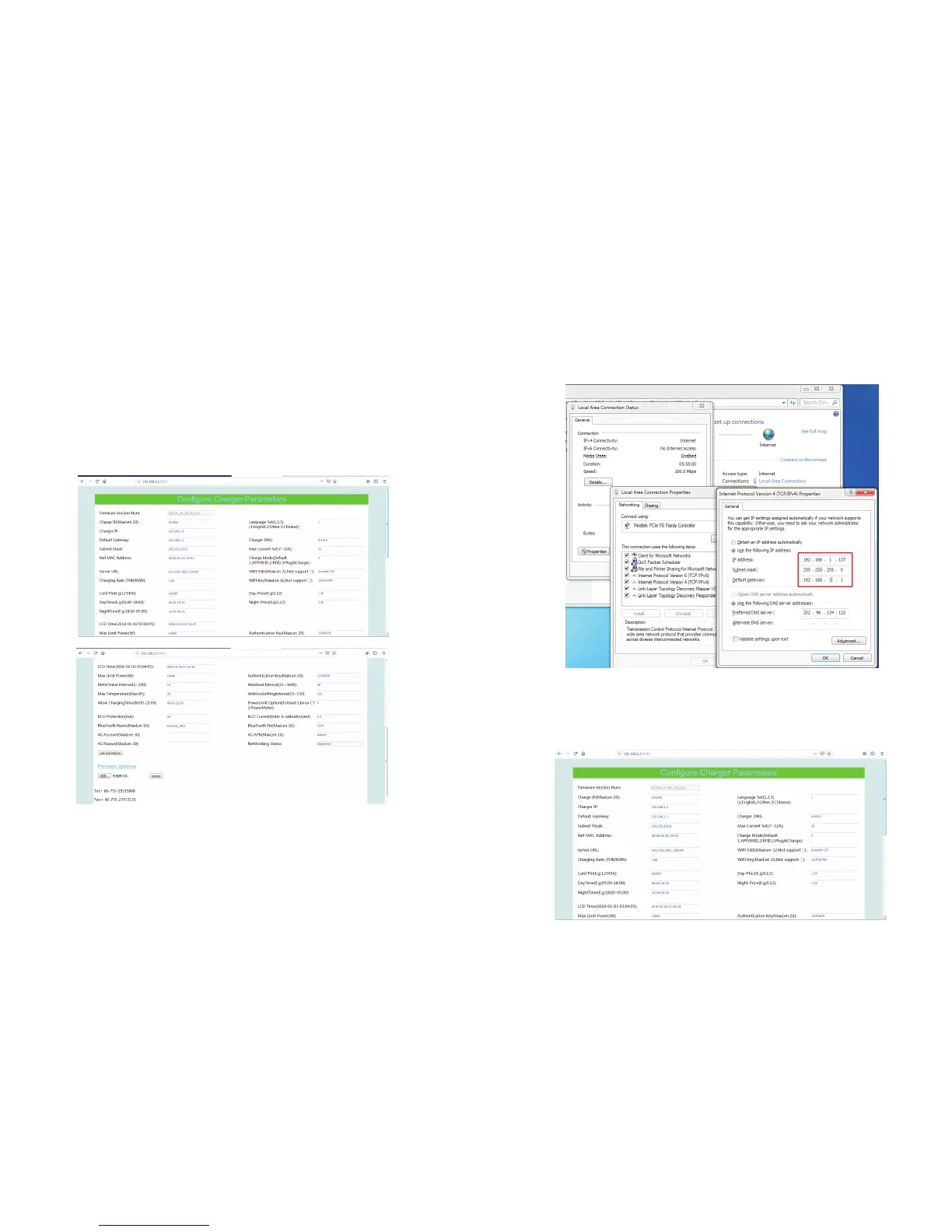
The interface of the internal web browser is as below, hereinafter it is refered to as
parameter setting page.
7 8
The default IP address of the charger is 192.168.1.5. To access the parameter setting
page, you need to
1.First connect the charger to a computer via a network cable.
3.Open the web browser and type in http://192.168.1.5:8080 in the web browser
and click enter(8080 is port number), then the parameter setting page will come out.
2.Set the computer’s IP address to 192.168.1.x(x can be any value between 1 and
255 except for 5).


 To Next Page