4.If you cannot get into the parameter setting page after several attempts, the
charger’s IP may have been set to other value, you can reset the charger to factory
setting and try again, the charger’s IP will be restored to 192.168.1.5 after the
factory reset.
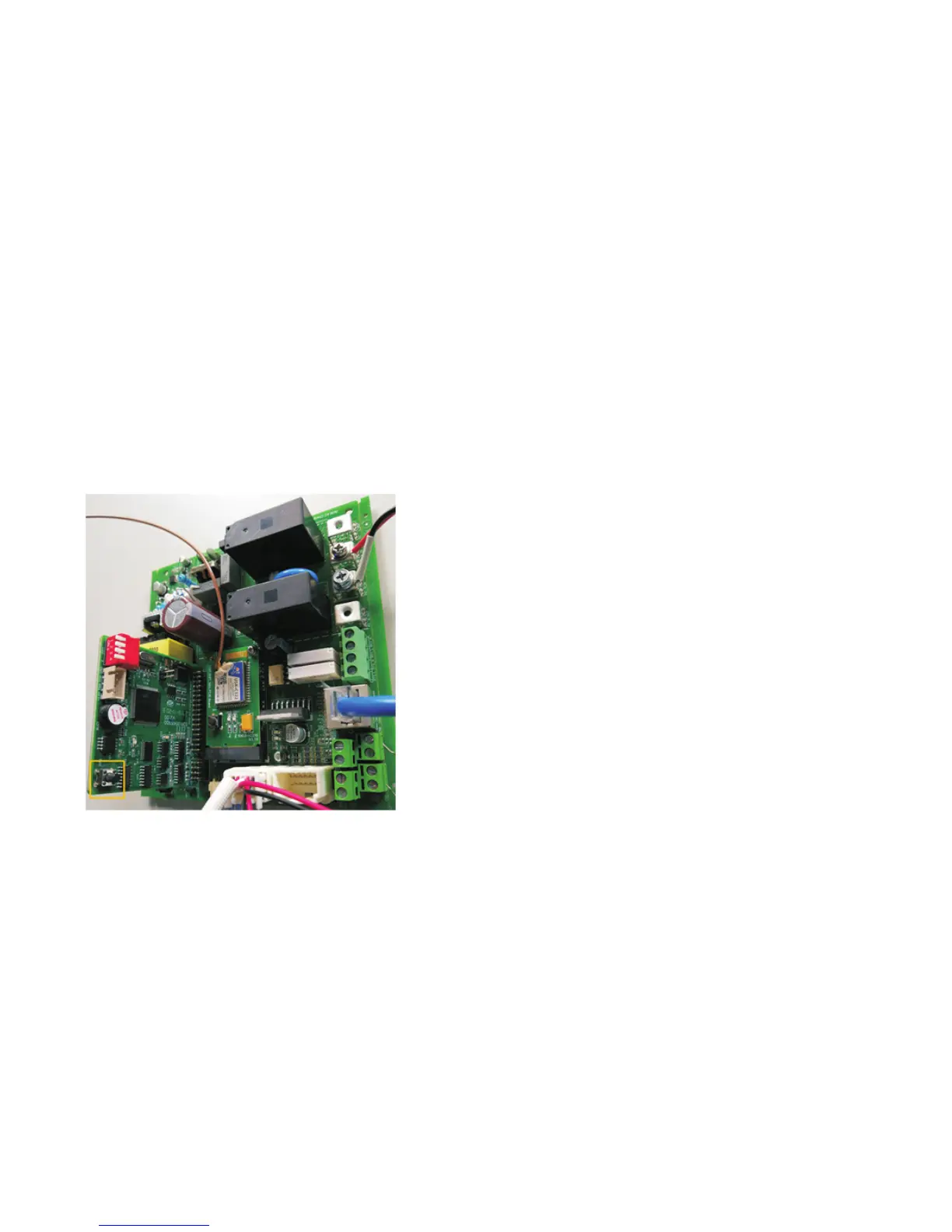
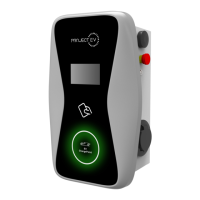
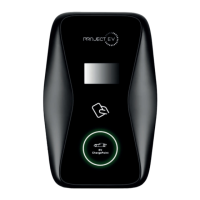
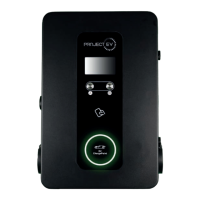
Long press the below marked reset button until the charger reboots, then it will be
restored to factory setting.
Please note that after factory setting, you need to reset charger ID, which can be
found on the label sticker on the left hand side of the charger.
10
Some key parameters:
Firmware Version Num: the charger’s firmware version
Charge ID(MaxLen 20): the charger’s ID, which can also be found on the label
sticker on the left hand side of the charger.
Charger IP: the charger’s IP address, used to access the parameter setting page
Default Gateway, Subnet Mask, Charger DNS only need to be set when the
charger uses network cable for server connection
Language Set(1,2,3): Set language of LCD
Max Current Set(7~32A): Set the maximum charging current
Charge Mode(Default 1:APP/RFID, 2:RFID, 3:Plug&Charge): Charger’s charging
mode.
In Mode1, charger can start or stop by APP or RFID card;
In mode2, charging start/stop can only be controlled by swiping RFID card;
In mode3, Charging will start automatically after connecting car to the charger.
Server URL: Set the domain name or IP address of the server to be connected. The
domain name of Growatt server is “ws://charge.growatt.com:80/ocpp/ws”; IP
address is “ws://47.254.157.66:80/ocpp/ws”.
WIFI SSID and WIFI Key are used for WiFi connection.
Charging Rate: Set charging fee per unit of electricity
DayTime, NightTime, Day-Price and Night-Price is used to set peak and off-peak
tarrif and period. If Charging Rate has been set, these peak and off-peak setting will
be invalid.
LCD Time: Set the charger’s time. If the charger has server connection, the time will
be synchronized with the server automatically.
Max Limit Power, MeterValue Interval and PowerLimit Option is used to set
power adjustment function.
Allow ChargingTime: Once set, charging can only be carried out within this period
unless the forced on/off button is pressed.
4G Account, 4G Password and 4G APN is used for 4G connection..
9
Reset button of 7kW charger
Some key parameters:


 To Next Page