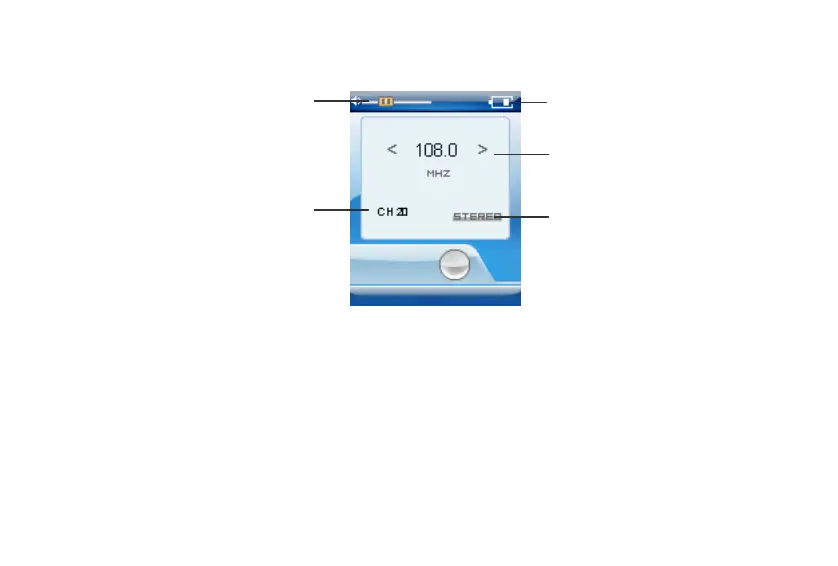
Operations in FM mode
FM mode interface
Batter
status
Fre
uenc
Stations
Volume
Sound state
A. Press the PLAY button / to change the mode between the Preset and Manual mode. Press and hold this
button to exit FM mode and return to the Main menu.
B. Press the V+/V- button to adjust the volume. Press and hold these buttons to quickly adjust volume.
C. Press the or button to choose stations which have been saved in the Preset mode or to adjust the
frequency in the Manual mode. Press and hold these buttons to quickly choose stations in the Preset mode
or to change to auto scan in the Manual mode.
Note: To receive the FM radio, the earphones must be connected to the player since the neck strap serves
as FM antenna.
16



 To Next Page