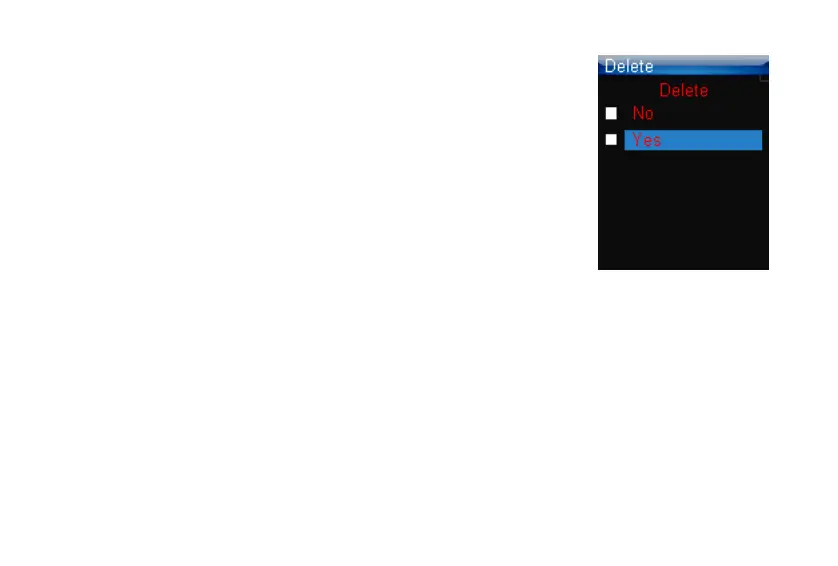
Operations in Delete mode
A. Press the V+/V- button to select the file you want to delete.
B. Press the FUNC button to display the confirmation menu.
C. Press the V+/V- button to choose “Yes” or “No”.
D. Press the button to return to the submenu.
E. Press the button to confirm the deletion.
F. Press and hold the PLAY button / to return to the Main menu.
21



 To Next Page