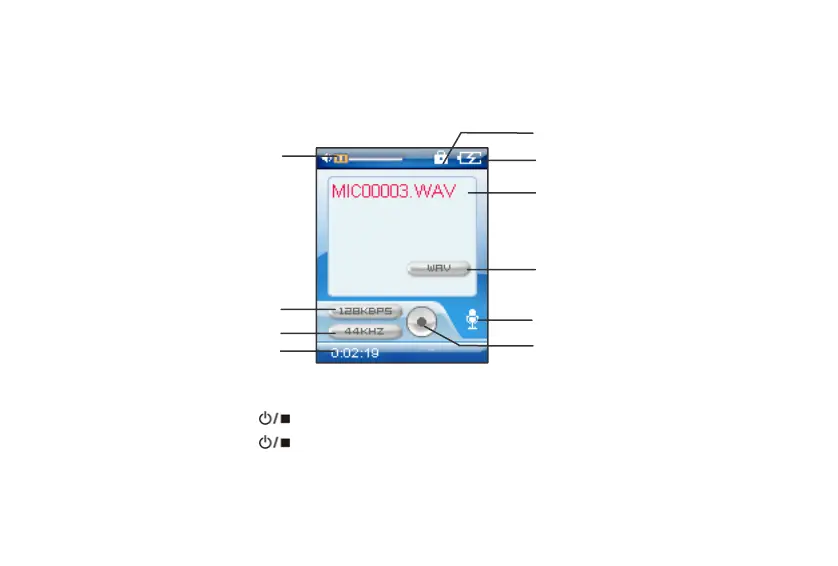
Operations in Voice record / FM record mode
Ke
lock
Batter
status
File name
File t
e
Current mode
State indicate
Volume
Bit rate
Sam
lin
rate
File ela
sed time
In voice or FM Radio mode:
A. Press the POWER button to start recording.
B. Press the POWER button to stop recording.
C. To playback the recorded file, press the /button to start, pause or resume playback.
22



 To Next Page