EasyManua.ls Logo

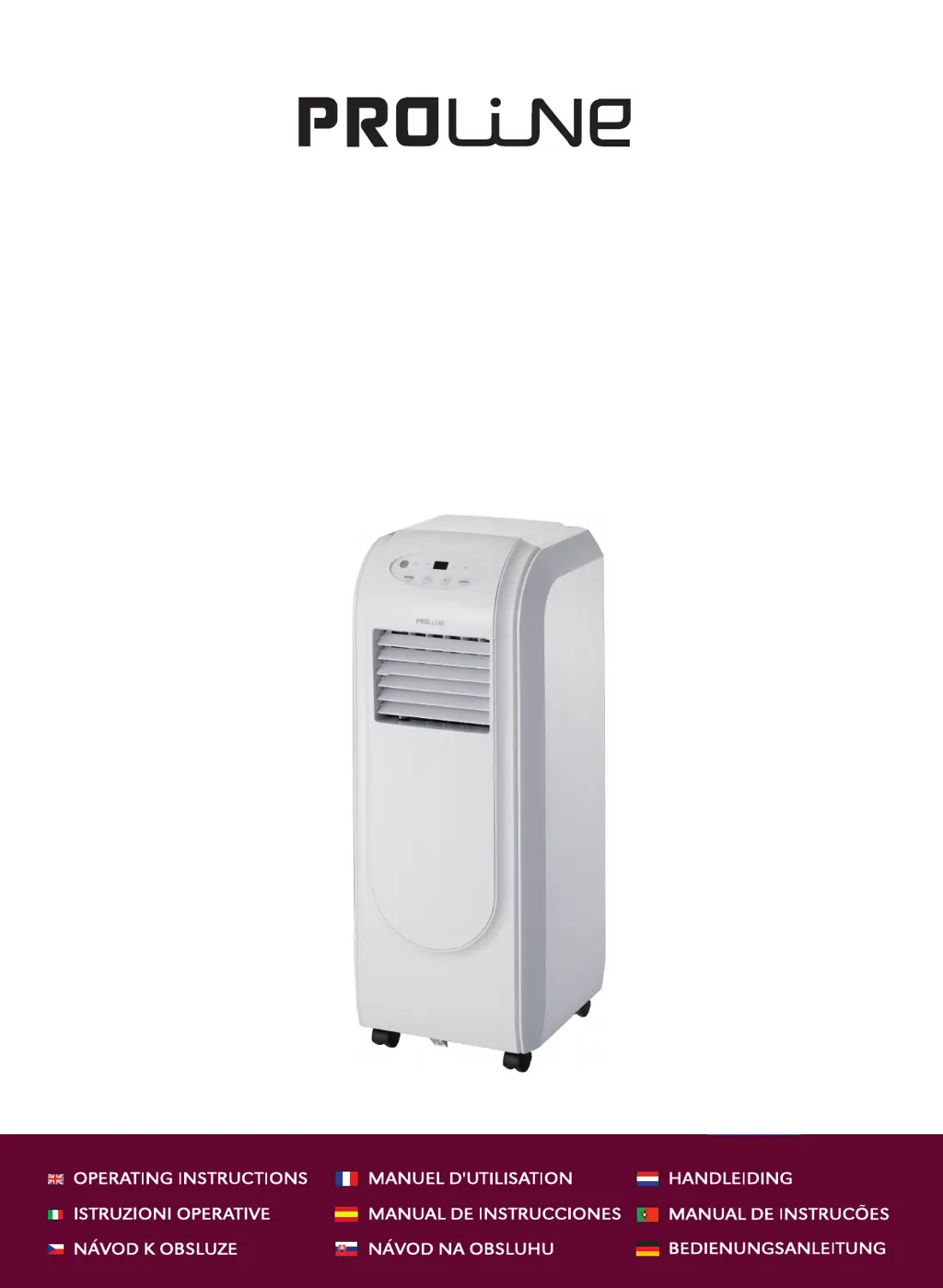
Proline GR80W - User Manual

Proline GR80W
24 pages
Print Icon
To Next Page IconTo Next Page
Loading...
Downloaded from www.vandenborre.be
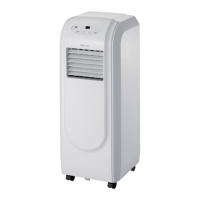
GR80W
AIR CONDITIONER
CLIMATISEUR
AIRCONDITIONER
CONDIZIONATORE D'ARIA
AIRE ACONDICIONADO
KLIMATIZAČNÍ ZAŘÍZENÍ
KLIMATIZAČNÉ ZARIADENIE
KLİMA CİHAZI

Questions and Answers

  • A
    Angel FordAug 4, 2025
    Why is my Proline Air Conditioner not cooling the room?
    • H
      Heidi WalkerAug 4, 2025
      There are several reasons why your Proline Air Conditioner might not be cooling the room effectively. The door or window might be open, so ensure they are closed. Another heater appliance, like a heater or lamp, might be working, so turn it off. The air filter could be dirty, so clean it. Also, the set temperature might be too high, so lower it.
  • M
    marqueztoddAug 12, 2025
    What to do if my Proline Air Conditioner does not run?
    • J
      Joseph WallaceAug 13, 2025
      If your Proline Air Conditioner isn't running, there are a few things you can check: the fuse may be blown, so replace it. The batteries in the remote control might be exhausted, so replace them. The plug might not be properly plugged into the wall socket, so insert the power plug correctly.
  • K
    Kristine HarringtonAug 27, 2025
    Why is there no wind in DRY mode on my Proline Air Conditioner?
    • P
      Patrick MarshallAug 27, 2025
      If there is no wind in DRY mode on your Proline Air Conditioner, it's because the evaporator frosts. Wait for the unit to defrost, then resume running.
  • E
    elliottnicholasSep 10, 2025
    What does H8 mean on my Proline Air Conditioner display?
    • T
      Tina EllisSep 12, 2025
      If your Proline Air Conditioner display shows 'H8', it means the tank is full. You should drain the unit.

Summary

Electrical Connection Guide

How to Wire a 13 Amp Plug

Guide on connecting the appliance's power plug and wiring.

Safety Precautions

Battery Handling and Usage

Guidelines for using and handling batteries for the remote control.

Replacing Remote Control Batteries

Step-by-step instructions for replacing batteries in the remote control.

Identification of Parts

Front View Components

Illustrates and labels components visible from the front of the unit.

Rear View Components

Illustrates and labels components visible from the rear of the unit.

Control Panel Overview

Control Panel Buttons

Explains the functions of the MODE, +/-, and ON/OFF buttons on the unit.

Indicator Lights Explained

Details the meaning of indicator lights for different operating modes.

Operation Modes

Remote Control Operation

Instructions for operating the air conditioner using the remote control.

Advanced Operation Features

Timer and Lock Functions

How to set the timer and lock/unlock the remote control buttons.

Airflow Direction Control

Adjusting vertical and horizontal louvers for airflow direction.

Installation Guide

Exhaust Hose Installation

Connecting and positioning the exhaust hose for proper operation.

Window and Wall Installation

Methods for installing the unit through a window or wall.

Maintenance and Cleaning

Drainage Procedure

How to drain condensed water from the unit when the tank is full.

Housing and Filter Care

Instructions for cleaning the unit's exterior housing and air filters.

Filter Cleaning Steps

Steps to clean the air inlet filter using vacuum or water.

Power Cord Storage

How to properly store the power cord when the unit is not in use.

Troubleshooting Common Issues

Technical Specifications

Proline GR80W Specifications

General IconGeneral
BrandProline
ModelGR80W
CategoryAir Conditioner
LanguageEnglish

Related product manuals