188
at the same time for 3 seconds.
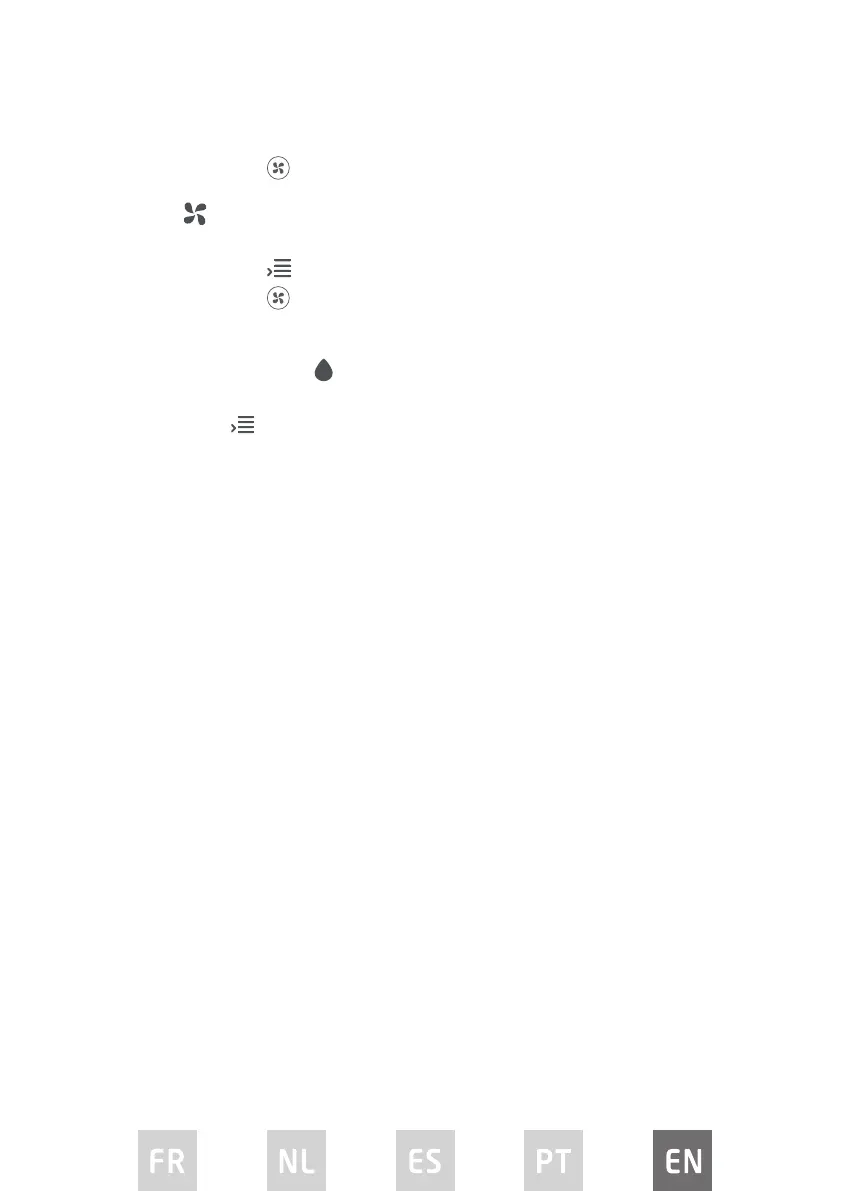
3. Repeatedly press
on the remote control to choose adjust the fan speed.
FAN MODE
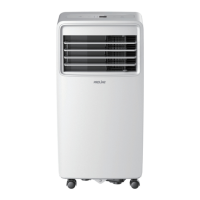
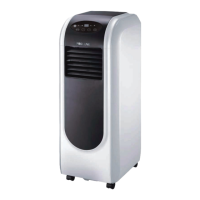
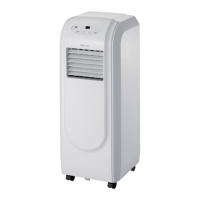
The exhaust hose is not required during FAN MODE operation.
1. Repeatedly press
until the FAN indicator light illuminates.
2. Repeatedly press
on the remote control to choose the fan speed.
The temperature cannot be adjusted in this mode.
DRY / DEHUMIDIFY MODE
The exhaust hose is not required during DRY MODE operation.
Repeatedly press
until the DRY indicator light illuminates.
The fan speed or temperature cannot be set. The fan will automatically operate
at LOW speed.
NOTE: Keep windows and doors closed for the best dehumidifying eect.
LED DISPLAY
The LED display shows the set temperature in COOL mode. While in DRY or FAN
mode, it shows the ambient room temperature.
OPERATING FROM THE REMOTE CONTROL
Battery installation
1. Slide the battery cover o the remote control.
2. Insert the supplied batteries, paying attention to match up the (+) and (-)
ends of the batteries with the symbols inside the battery compartment.
3. Slide the battery cover back into place.
TIPS FOR USING REMOTE CONTROL
• Point the remote control at the receiver on the appliance. The remote control
must be no more than 8 meters away from the appliance (without obstacle
between the remote and receiver).
• The appliance will beep when remote signal is received.
• Curtains, other materials and direct sunlight can interfere with the infrared
signal receiver.
• Remove batteries if the remote will not be used for more than 2 months.


 To Next Page