195
NOTE: Make sure the hose is secure so there are no leaks. Direct the hose toward
the drain, making sure that there are no kinks that will stop the warter owing.
Place the end of the hose into the drain and make sure the end of the hose is
down to let the water ow smoothly. When the continuous drain hose is not
used, ensure that the drain plug and knob are installed rmly to prevent leakage.
When the water level of the bottom tray reaches a predetermined level, the
appliance will beeps and the
display will show “P1”. At this time the cooling/dehumidication process will
immediately stop. However, the fan motor will continue to operate (this is
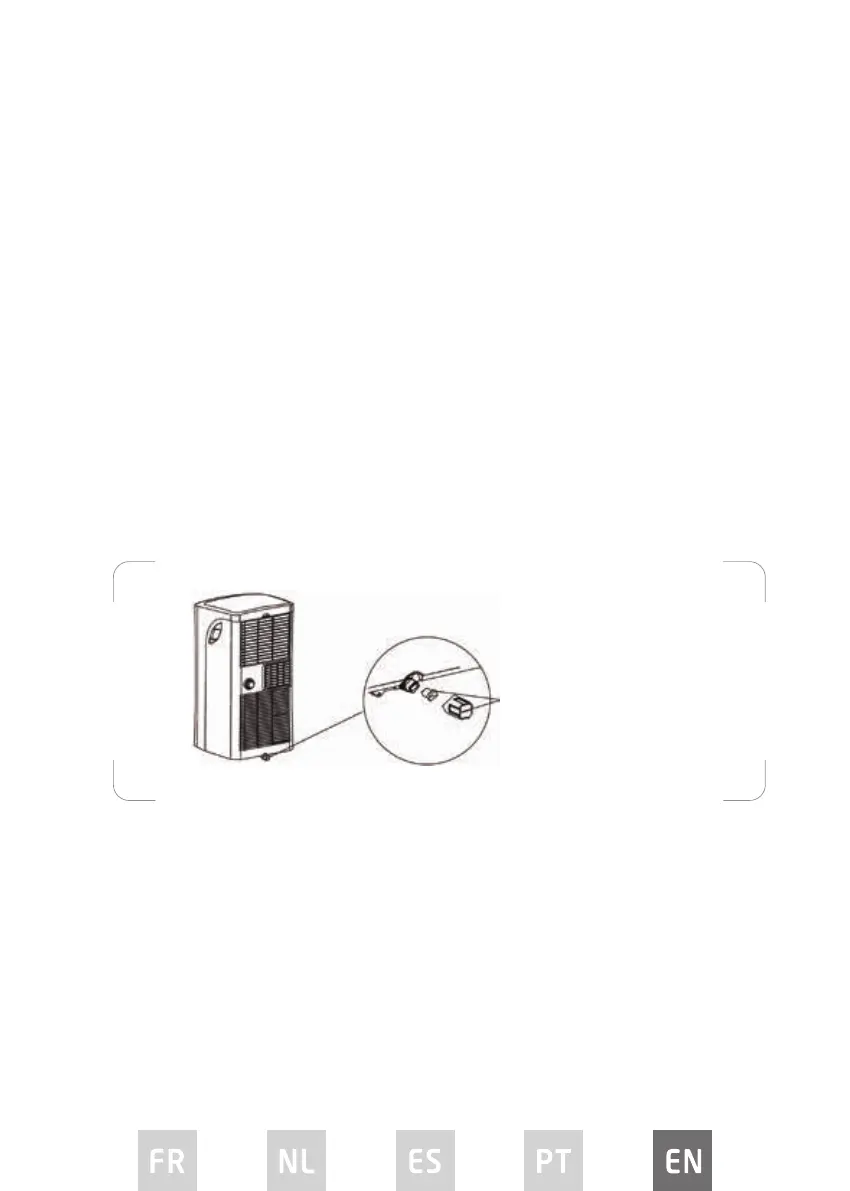
normal). Carefully move the appliance to a drain location, remove the bottom
drain plug and let the water drain away. Reinstall the bottom drain plug and
restart the machine until the “P1” disappears. If the error repeats, call for service.
NOTE: Be sure to reinstall the bottom drain plug rmly to prevent leakage before
using the appliance.
Bottom drain plug with cap


 To Next Page