Operation
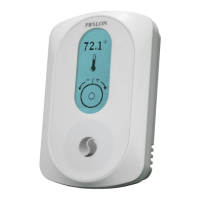
The T1100 is controlled using the
circular touch pad on the bottom half of
the thermostat. The touch pad uses
capacitive sensing technology to detect
finger proximity. There are no moving
parts to push or rotate. The T1100 is
controlled using simple scrolling, tapping
or holding motions, performed around
the circle of the touch pad. The center of
the circle is unused.
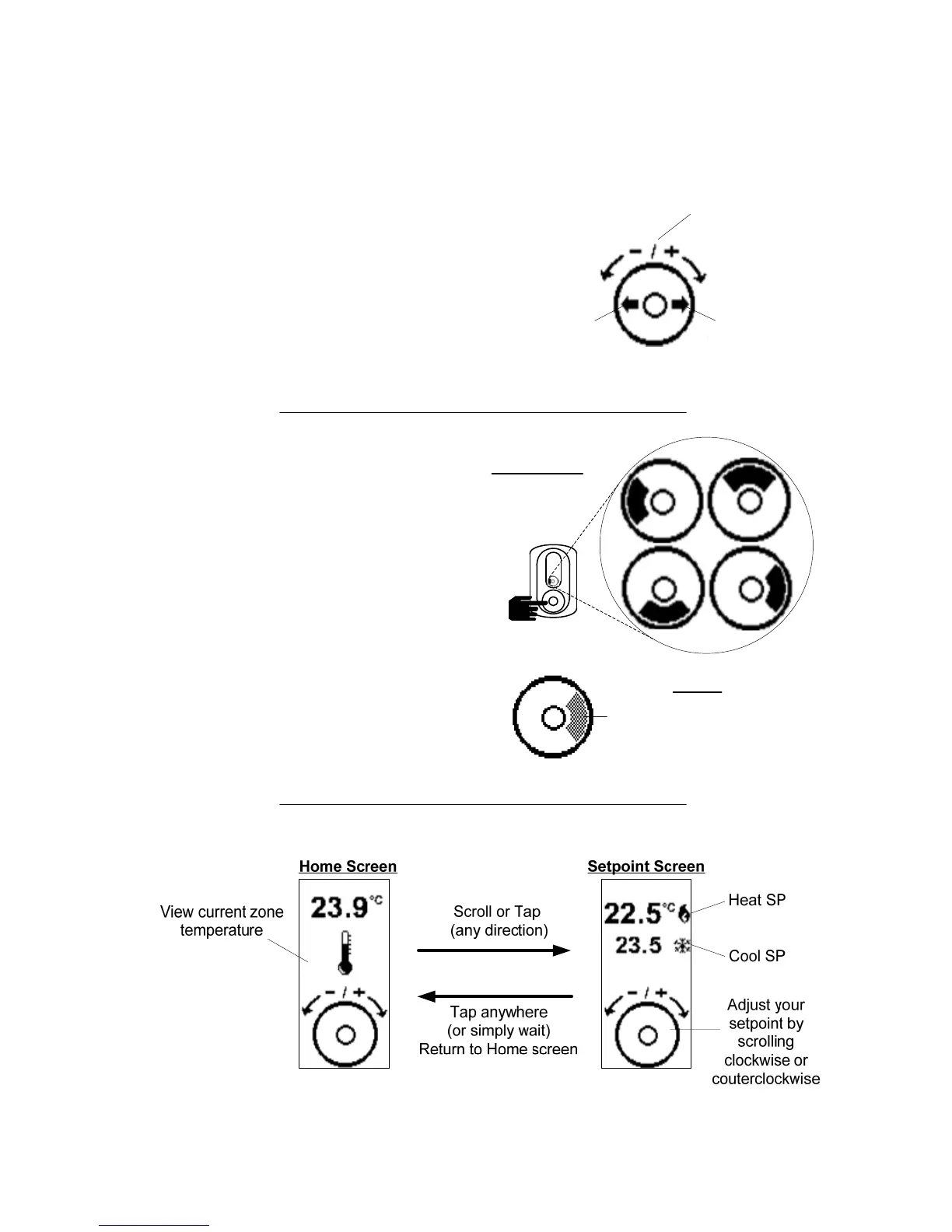
Tap here to
go BACK
Tap here to
ENTER
Scroll clockwise or
counterclockwise
to adjust or navigate
FEEDBACK
The black
arc follows
your finger
22.8 ºC
Hint Display
At the bottom of the screen, a circle
representing the touch pad is
displayed, with hints on how to
navigate and modify settings, as well
as providing feedback as you
manipulate the touch pad. Hints are
context-sensitive and will only
display where logical.
HINTS
Hold your finger over
highlighted areas to use
special features
Changing the setpoint
5


 To Next Page