15
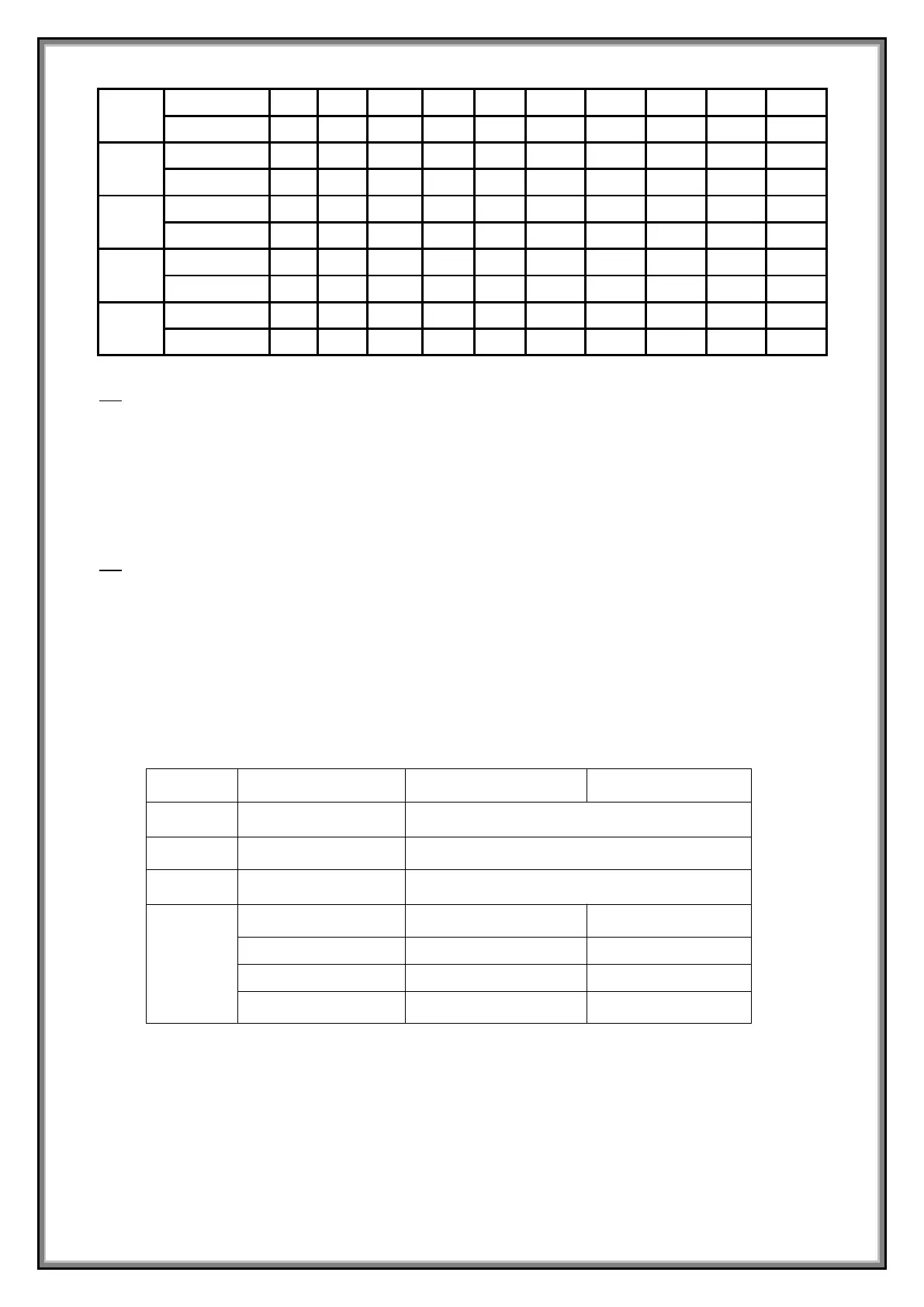
5.2 Set of 3 users programs: From standby mode, press PROG button, console will show 3 users
programs, select between 3 users programs.
-Press SPEED+/- or INCLINE+/- to set the workout time.
-Each program can be divided into 10 sections; machine will beep 3 times when starting a new section.
-Press SPEED+/- or INCLINE+/- to change the speed or incline during each section.
-Machine will beep 3 times and stop when the program is finished.
5.3 Set of body fat test: From standby mode, press PROG button until you get to FAT.
-Press M button to enter information.
Set value with SPEED+/- or INCLINE+/- from F-1 to F-4(F-1 GENDER, F-2 AGE, F-3 HEIGHT, F-4
WEIGHT)
-Press M button to enter F-5(F—5 BODY FAT TEST), hold hands on the hand pulse sensor, the
console will display your body fat value after 3 seconds.
-The body fat value is intended as a guide, and is not medical data:


 To Next Page