Setup menu operation – Video menu options
19
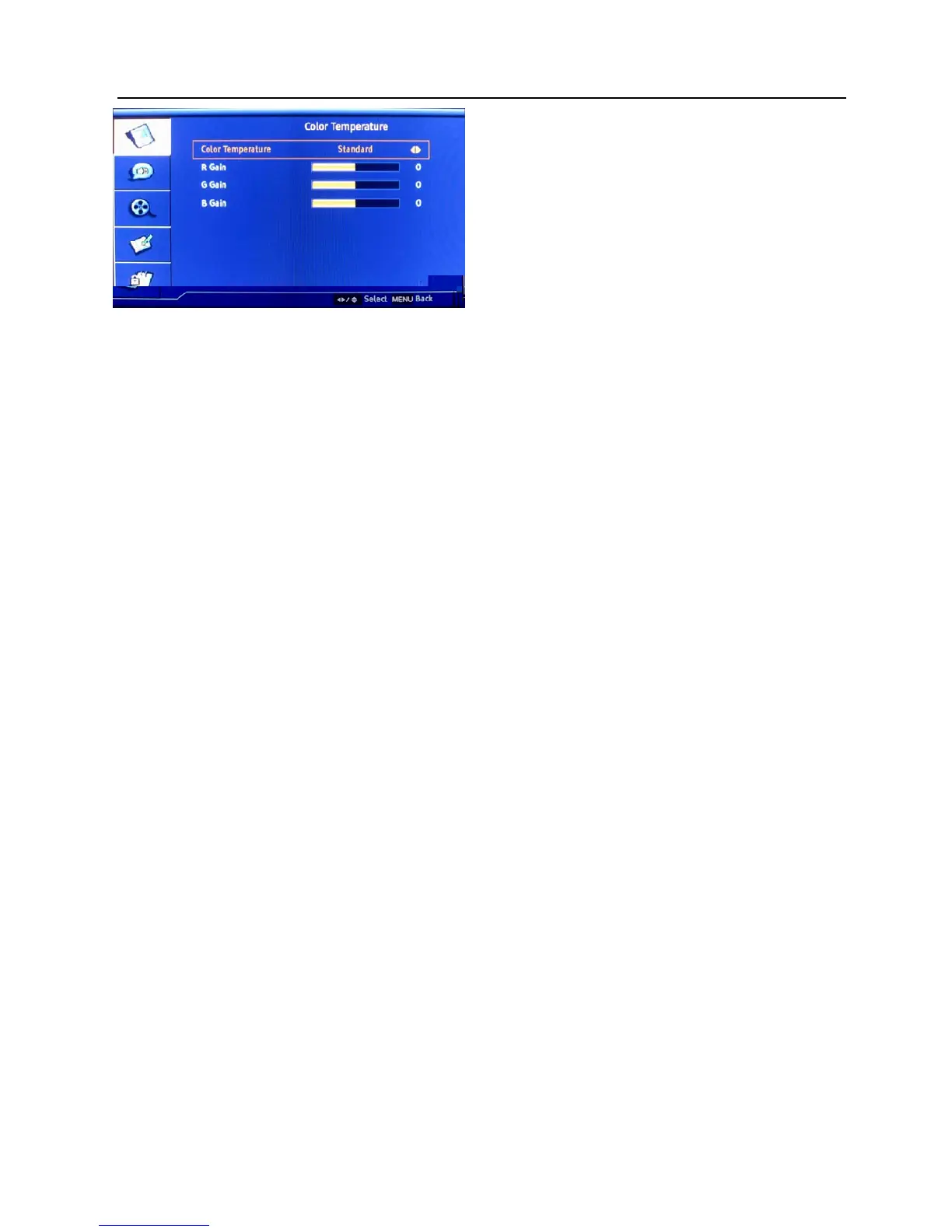
Color Temperature: To select the mode------Standard, Warm, User, Cool.
And the "R Gain, G Gain, B Gain" numbers in "User" mode is set by yourself.
DNR (Dynamic Noise Reduction)
To remove unwanted artifacts in video, user can adjust DNR mode: Medium, Strong, Auto, Off, Low.














 To Next Page