Setup menu operation – HDMI menu options
31
Note:
Phase- This function allows you to remove any horizontal noise and clear or sharpen the image of characters.
Clock- This function is to minimize any vertical bars or stripes visible on the screen background. And the horizontal screen
size also will change.
Position- This function is to adjust the picture to Left/ Right and Up/ Down as you prefer.
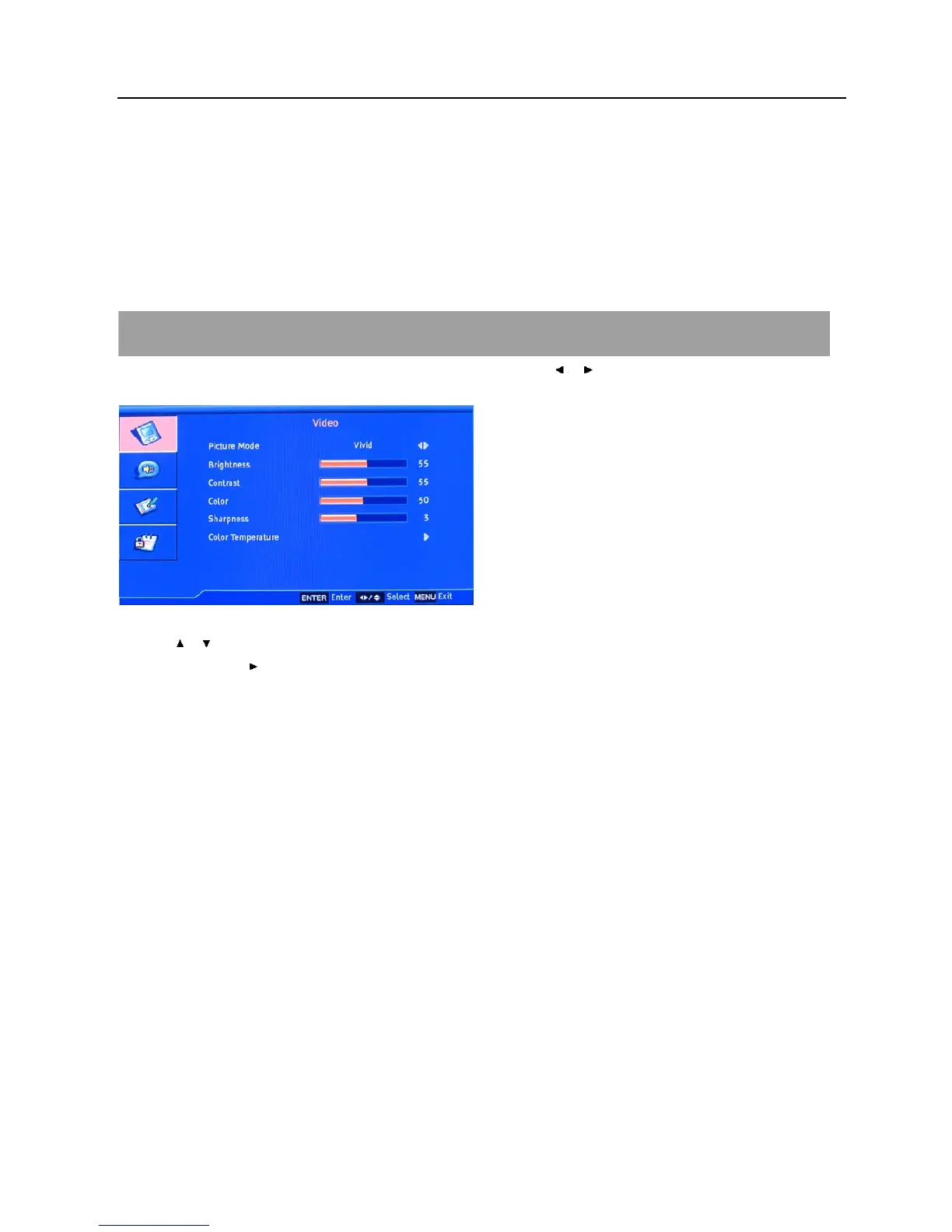
HDMI MENU OPTIONS
Press MENU on the side panel or on the remote control and then use / to select the Video menu in HDMI
mode.
1. Use / to select what you want to adjust in the each menu.
2. Press ENTER or
button to adjust(according to the guiding sign in the bottom right corner of the menu).
3. When you are satisfied with your adjustment. Press MENU to exit.
The functions of OSD menu in HDMI mode are similar with TV mode except that there is no TV menu or
NDR function. For the detailed information, please attend to the instructions for TV mode OSD menu for
reference.














 To Next Page