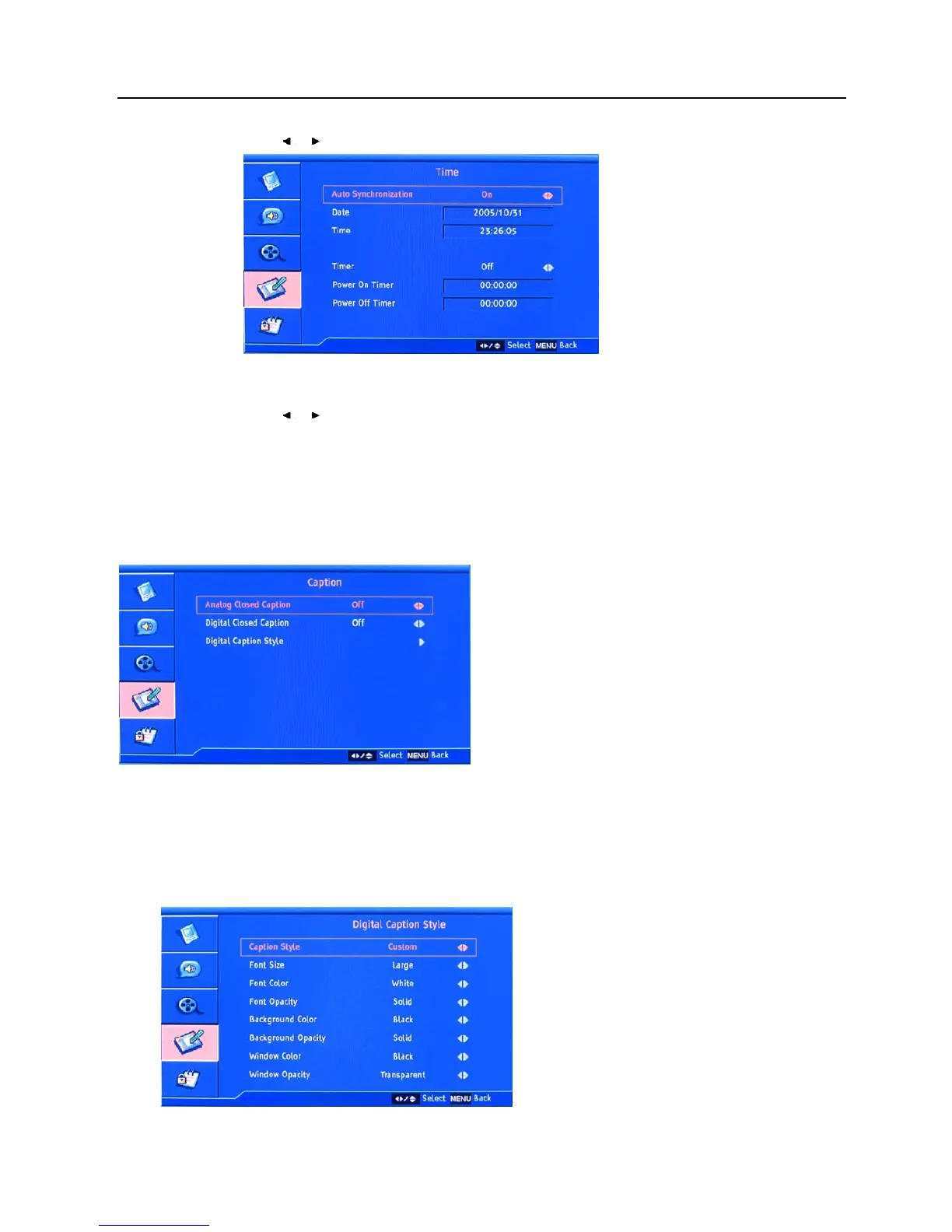
Setup menu operation – Setup menu options
23
Auto Synchronization
Press
/ button to set auto synchronization On/Off.
Timer
Press
/ button to set the auto power on and off timer.
Sleep Timer
To select the sleep timer as 5 /10 /15 /30 /45 /60 /90 /120 /180 /240 minutes/ off.
Caption
Select “Caption”, press ENTER button to enter the submenu (digital functions are only available under DTV signal).
Analog Closed Caption, Digital Closed Caption
To selectt the analog closed caption and digital closed caption options.
Digital Caption Style
Select “Digital Caption Style”, press ENTER button to enter the submenu.














 To Next Page