Operation
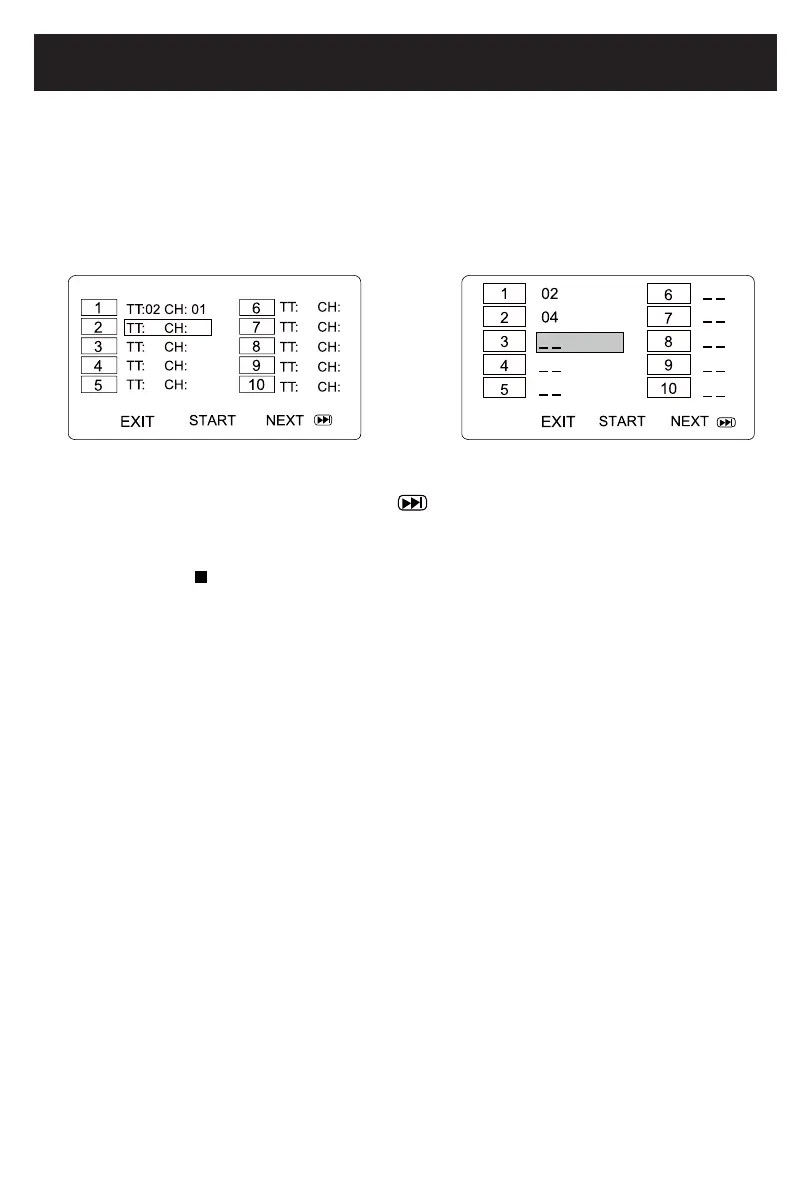
(CD/DVD)PROGRAM:
1. During CD or DVD playback, press the PROG(Program)button.TheProgrammenu
appears.
2. Use the numericbuttonstoselectandsetthedesiredTT(Title),CH(Chapters),tracks
you want of the CD or DVD.
3. Use the directionbuttonstomovetothenextinput.Repeatstep2until
programming is completed. Note: Press togotonextpageforprogramming
track 11 to 20.
4. Highlightthe“PLAY”icon,presstheENTER button to start the program play.
5. Press the STOP
button twice to stop the program playback and clear the program
memory.
DVD CD
15
2015.09.25
08:30:25
+08'00'



 To Next Page