CARING FOR DISCS
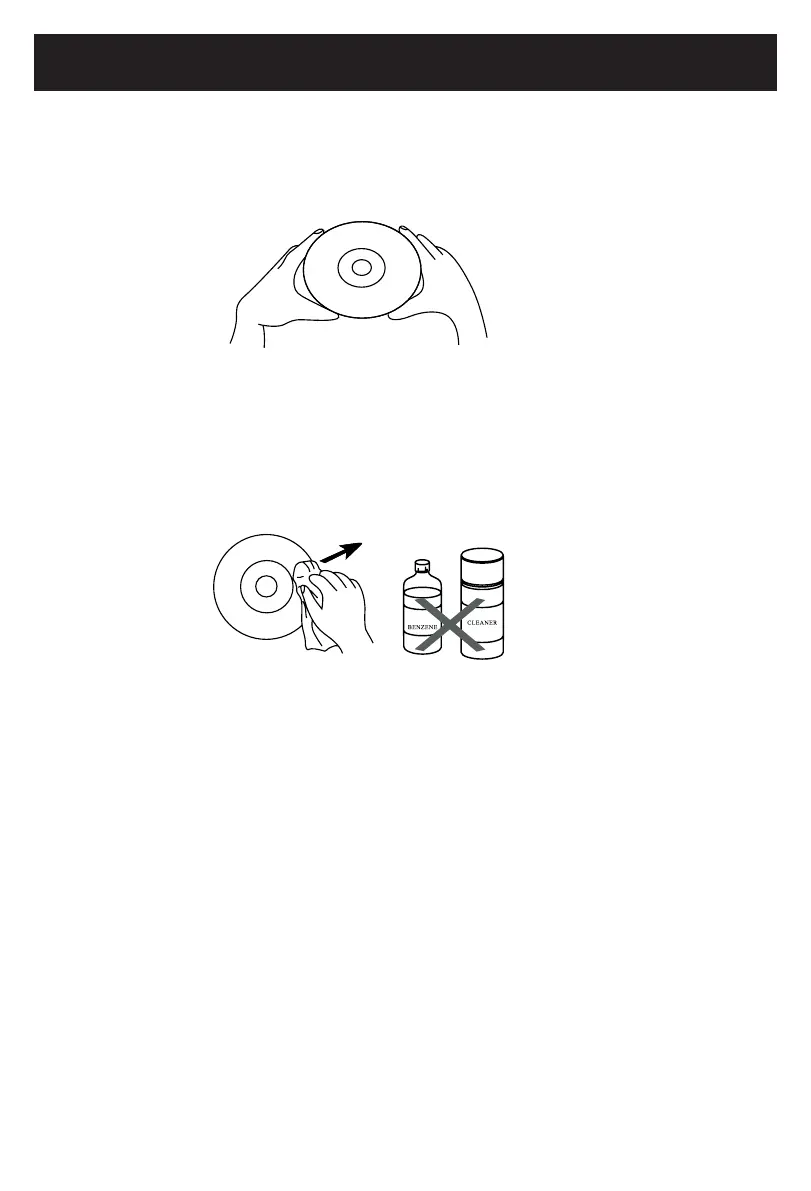
Treatthedisccarefully.Handlethedisconlybyitsedges.
Neverallowyourngerstocontactwiththeshiny,unprintedsideofthedisc.
• Donotattachadhesivetape,stickers,etc.tothedisclabel.
• Cleanthediscperiodicallywithasoft,lint-free,drycloth,Neverusedetergentsor
abrasive cleaners to clean the disc. If necessary, use a CD cleaning kit.
• Ifadiscskipsorgetsstuckonasectionofthedisc,itisprobablydirtyor
damaged(scratched).
• Whencleaningthedisc,wipeinstraightlinesfromthecenterofthedisctotheouter
edgeofthedisc.Neverwipeincircularmotions.
• Discsshouldbestoredintheircasesaftereachusetoavoiddamage.
• Donotexposediscstodirectsunlight,hightemperaturesordust,etc.Prolonged
exposureorextremetemperaturescanwarpthedisc.
• Donotstickorwriteanythingoneithersideofthedisc.Sharpwritinginstruments,or
the ink, may damage the surface.
CLEANING THE UNIT
• Topreventreorshockhazard,disconnectyourunitfromtheACpowersourcewhen
cleaning.
• Thenishonyourunitmaybecleanedwithadustclothandcaredforasother
furniture. Use caution when cleaning and wiping the plastic parts.
• Mildsoapandadampclothmaybeusedonthefrontpanel.
Care and Maintenance
22
2015.09.25
08:31:05
+08'00'



 To Next Page