Press button to display the input source list,
Press ź / Ÿ or button to select the input source you want to,
Press OK button to enter the input source,
Press button to quit.
INPUT
EXIT
INPUT
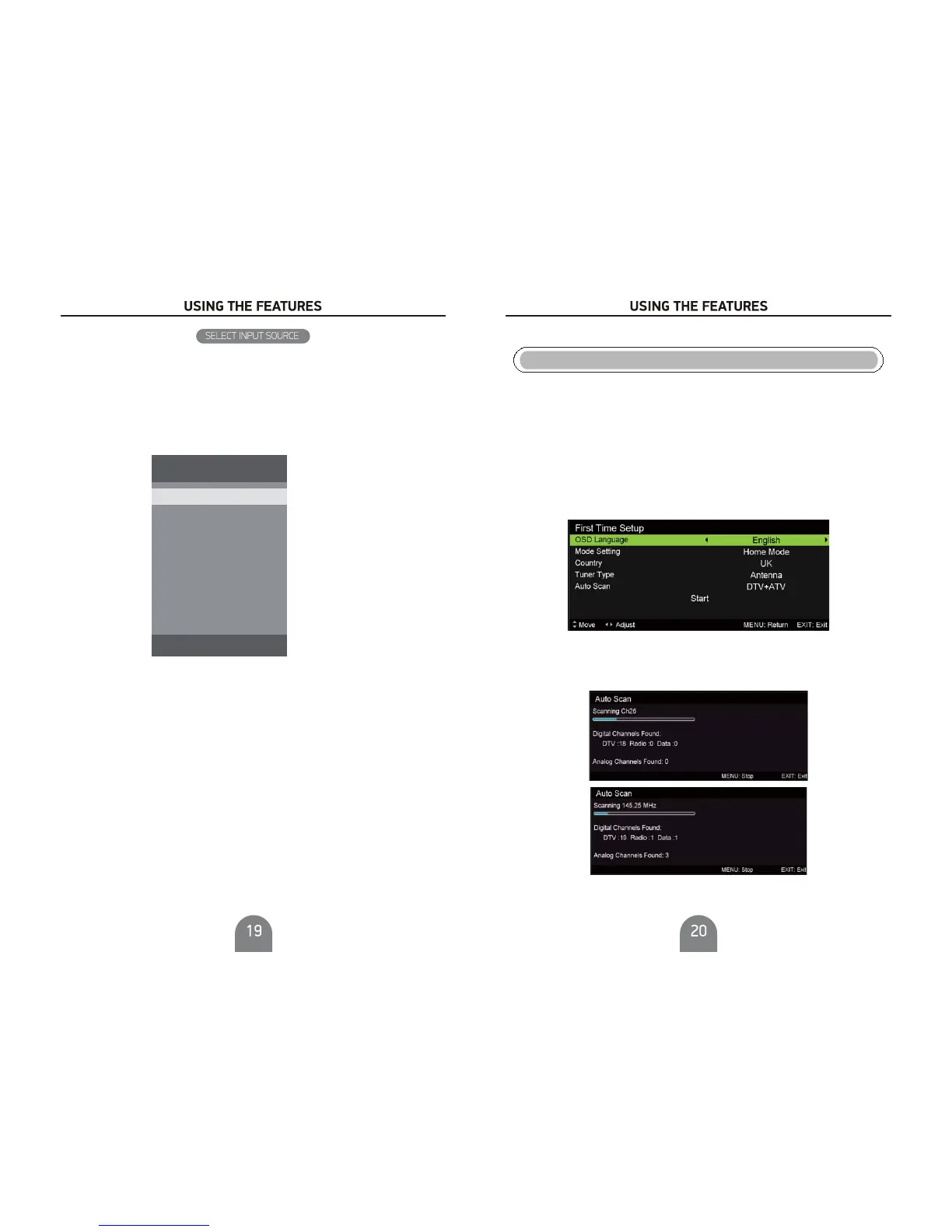
First Time Setup
Connect an RF cable from the TV’s input called “RF-In” and to your TV Aerial socket.
Press Ż / Ź button to select the language to be used for menus and message.
Press Ż / Ź button to select the country you want to.
OSD Language
Mode Setting
Country
Antenna Type
Press Ż / Ź button to select mode.
Press Ż / Ź button to select Antenna(DVB-T) or Cable(DVB-C).
Press Ż / Ź buttontoselectMode: .
Auto Scan
DT V + AT V, D TV, AT V
Auto Tuning Status
First tuning , press Menu button to skip tuning,
Second tuning , press Menu button to skip tuning.
digital digital
analogue analogue
Source
DTV
ATV
SCART
AV
YPbPr
HDMI1
HDMI2
HDMI3
PC
SOURCE: Exit



 To Next Page