Network ID
Auto or
Frequency
Auto or
Symbol Rate
Auto or
Modulation
Auto,
Press Ż / Ź button to select Network ID:
Press Ż / Ź button to select Frequency:
Press Ż / Ź buttontoselectSymbolRate:
Press Ż / Ź button to select Modulation:
nter digital numbers.
nter digital numbers.
nter digital numbers.
ress Ż / Ź button to start the channel searching.
16QAM,32QAM,64QAM,128QAM,256QAM.
Start
P
e
e
e
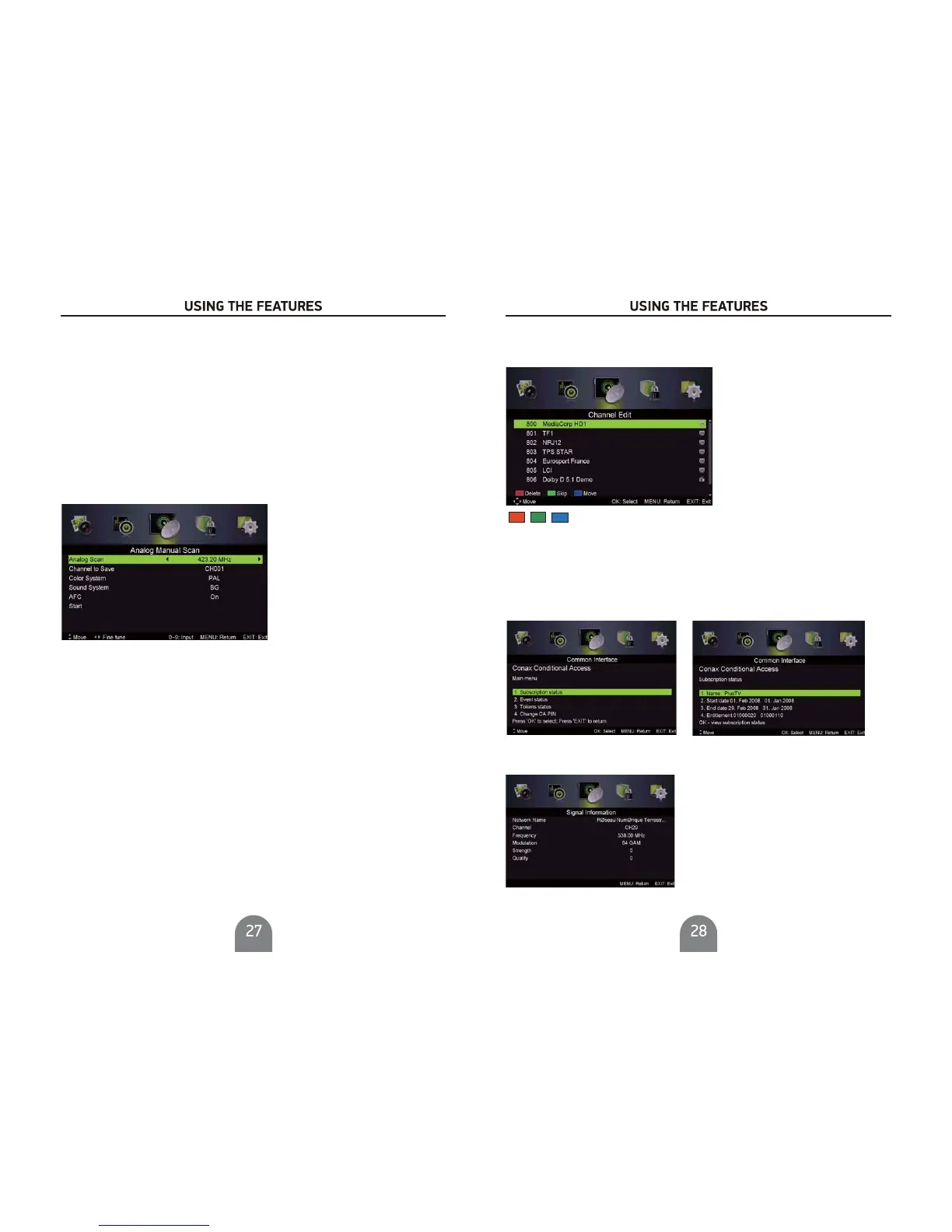
Analog Manual Scan
Press / button to select , then press Ż / Ź button to enter sub-menu.
Analog Manual Scan
Analog Scan
Channel to Save
.
Color System
Sound System
Press Ż / Ź button to select Analog Scan.
Press Ż / Ź button to select Channel to Save
Press Ż / Ź button to select Color System:Auto,PAL or SECAM.
Press Ż / Ź button to select Sound System :Auto,DK,BG,I.
AFC
Start
P
pressŻ / Ź buttontoselectOnorOff.
ress Ż / Źbutton to start the channel searching.
Auto Frequency control.
Channel Edit
Press / button to select Channel Edit, then press Ż / Ź button to enter sub-menu.
The three colored key are the shortcut key for programming the channels.
First press / to highlight the channel you want to delete or move or skip, then:
Press the button to delete the channel.
Press the button to skip the select channel.
(Your TV set will skip the channel automatically when using CH+/- to view the channels.)
Press the button to to set the channel to moving state. then press / to mo
ve
it to the position you want to put,and press button again to done the move operation.
Red
Green
Blue
Blue
Common interface
Press / button to select Common interface, then press OK button to enter sub-menu.
Only available when there is CI card under DTV.
Signal Information
Press / button to select Signal Information, then press the OK button to see the detail
information about the signal. Only available when there is signal under DTV.



 To Next Page