19
8. Viewing and the Images and Movies
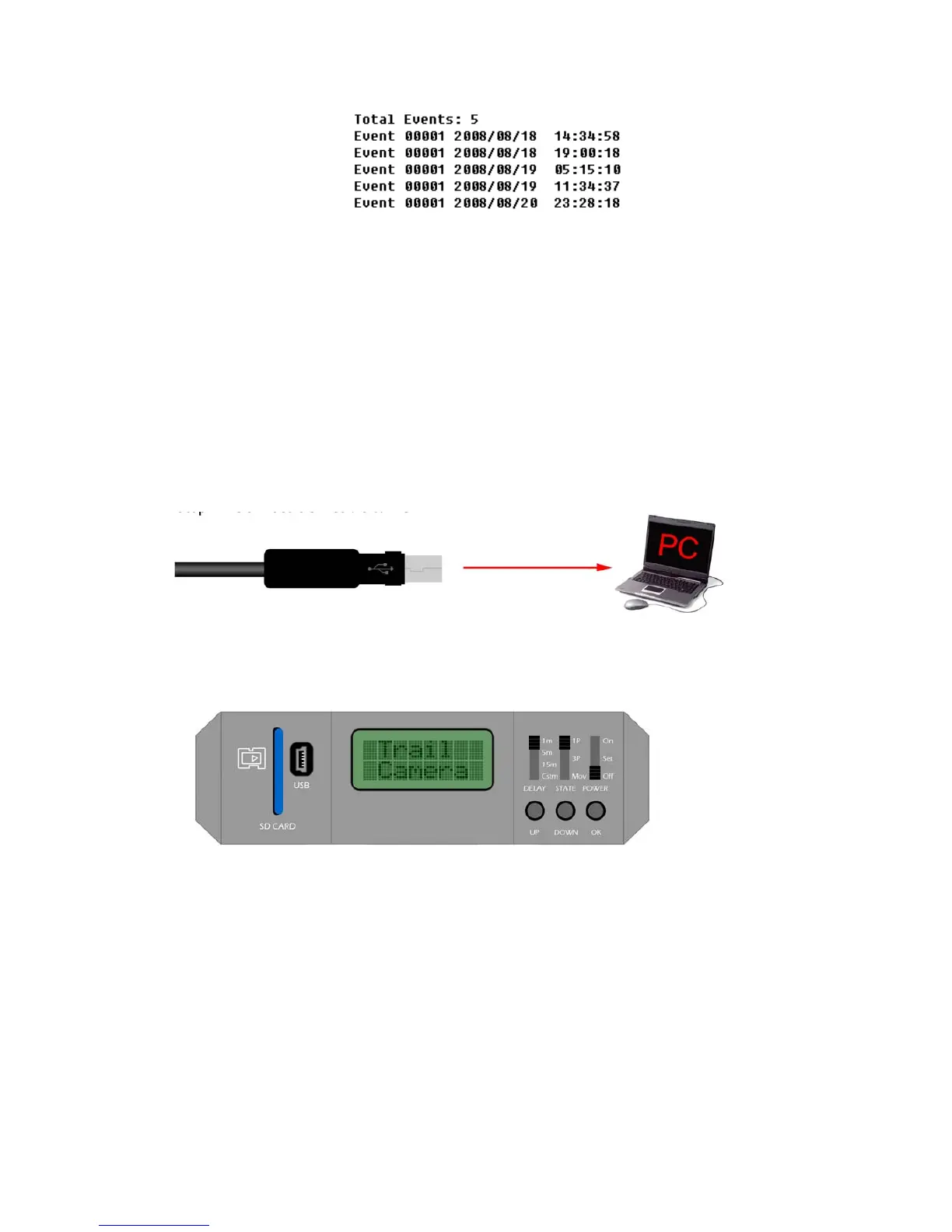
Connect the Camera to PC directly
Step 1 - Connect USB cable to PC
Step 2 - Turn on Pro-Stalk Camera - The screen will display ‘Trail Camera’ - see below
Step 3 - Wait for Trial camera to disappear from the LCD and attach USB cable to the camera. At
this stage the screen displays SD card information - see below.



 To Next Page