Note: The installer can also use the PRG-1000 to diagnose shutdown and remote start failures. Refer to the
PRG-1000 manual guide.
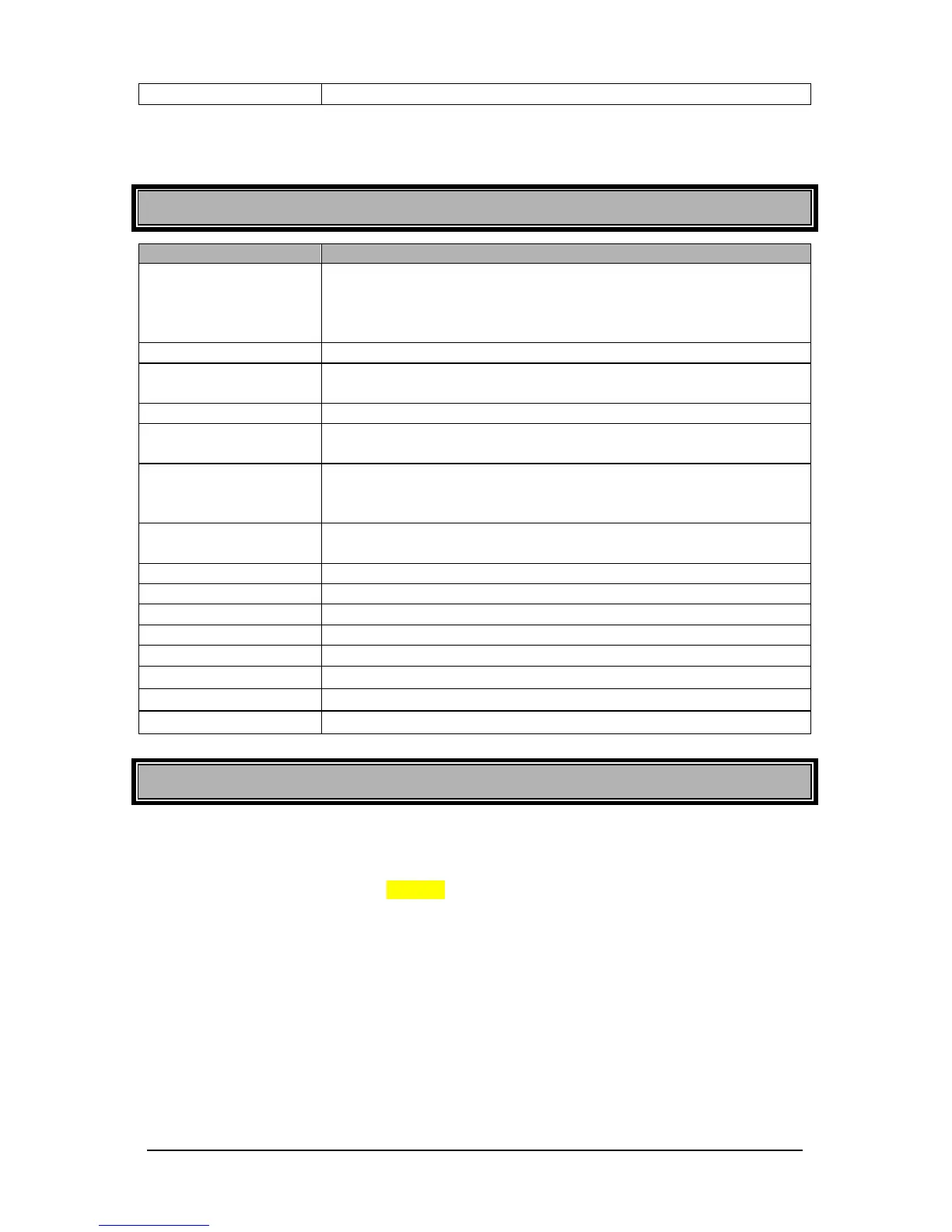
Parking Light Flashes Summary Table
• Trunk released.
• Enable LED flashing via remote.
• Start signal received from the remote.
• Power OFF ON; transmission is set to automatic.
• Doors unlocked
• Valet mode is deactivated
• Valet mode activated.
• Disable LED flashing via remote.
ON; transmission is set to manual.
• Enter multi speed tach programming
• Enter time delay adjustment in virtual tach system.
• Tach signal is learned successfully.
• Transmitter is learned successfully.
• Cold weather mode deactivated
• Cold weather mode activated.
• Engine is running under remote start.
• Panic mode is triggered.
• A remote start was attempted while the system is in home valet.
Resetting the Module to Default Features
Resetting the module is not a required process. Most of the time, you can avoid resetting the module by fixing
the issue directly at the root of the cause.
To reset the module:
1. Enter programming mode (page-15)
2. In 20 seconds or less, press and release the brake pedal 6 times.
3. The parking lights will flash 8 times, confirming the reset.
On some vehicles such as BMWs and certain Volkswagens, pressing the brake pedal without the key in the
ignition ON position will not work. If this is the case, simply leave the ignition ON while performing the reset.



 To Next Page