Editing a Running Batch page 133
User Guide for Maurice, Maurice C. and Maurice S.
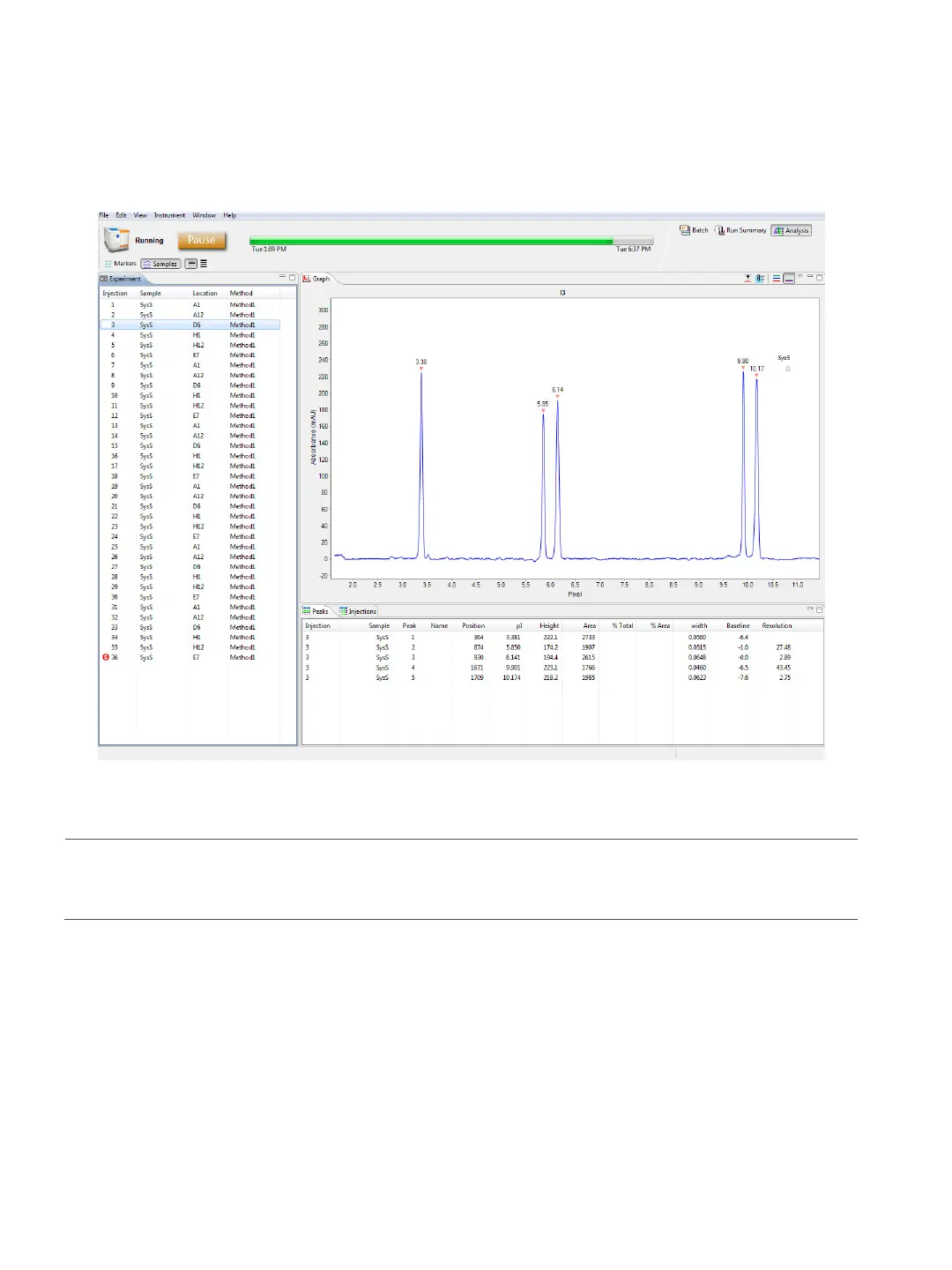
When your batch is complete, you can view electropherograms for all injections in the Analysis tab, and
all batch and injection details in the Run Summary tab.
NOTE: If you’d like Maurice to let you know when your run is done, you can set him up to tweet you. Go to
“Setting Up Maurice Systems to Send Tweets” on page 440 for more info.
Editing a Running Batch
You can pause a batch after it's started to make updates or add samples and reagents.
1. Select Instrument > Pause or select the Pause button.



 To Next Page