Peak Fit Analysis Settings page 311
User Guide for Maurice, Maurice C. and Maurice S.
NOTES:
We recommend using the Compass for iCE default values for peak fit analysis settings. These settings are
included in the default Peak Fit group.
Analysis settings are run-file specific. But, settings can be imported or exported for use with other run files.
For more information see “Importing and Exporting Analysis Settings” on page 333.
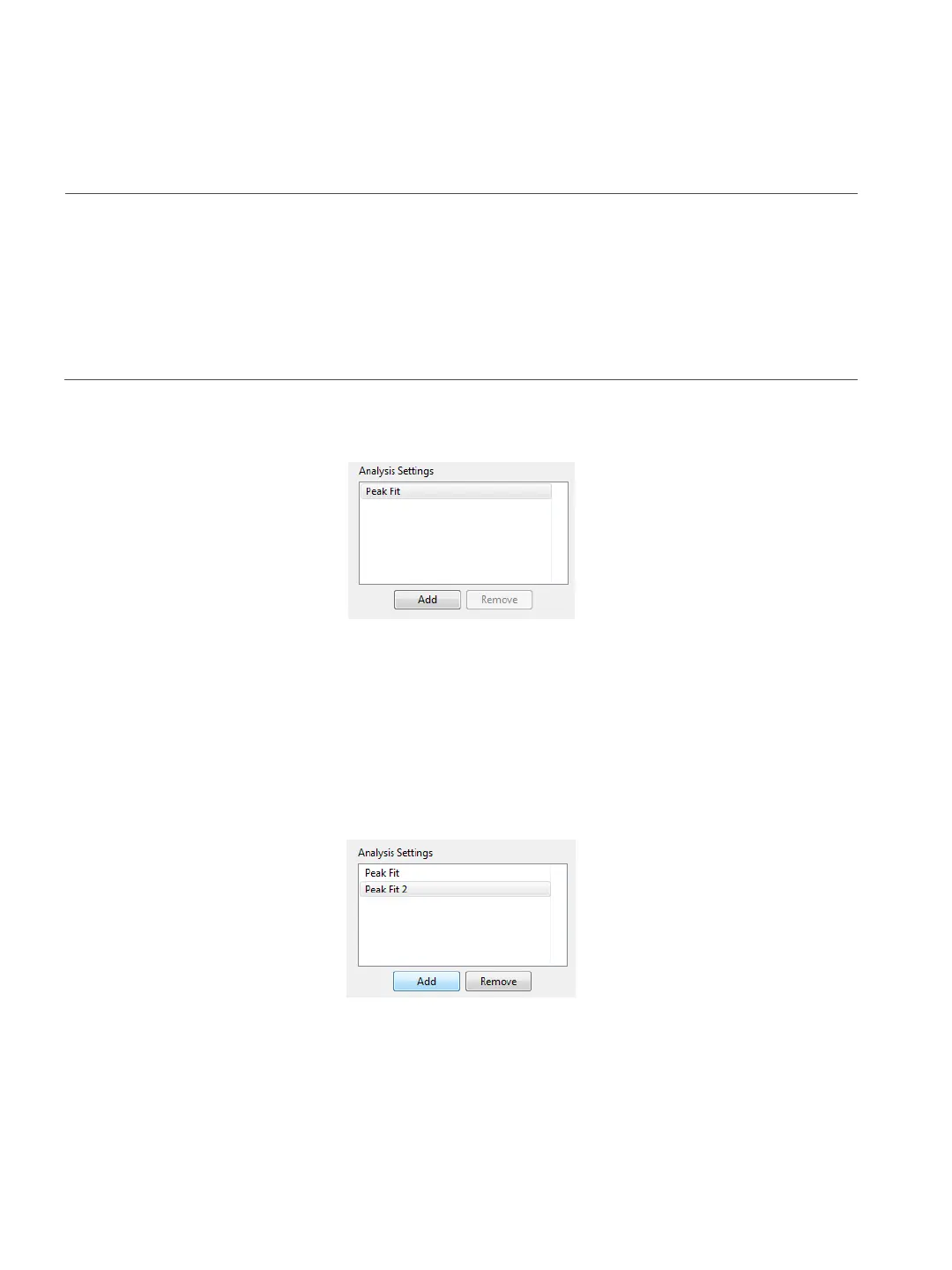
Peak fit groups are displayed in the analysis settings box:
The Peak Fit group shown contains the Compass for iCE default analysis settings. You can make changes to
this group and create new groups. To view settings for a group, click on the group name.
Creating a New Peak Fit Group
1. Select Edit > Analysis, and select Peak Fit in the left sidebar.
2. Click Add under the analysis settings box. A new group will be created:
3. Click on the new group and enter a new name.



 To Next Page