10
11
W W W . D Y E P A I N T B A L L . C O M W W W . D Y E P A I N T B A L L . C O M
RIZE
™
BOARD
SE TTINGS AND F UNC TI ONS
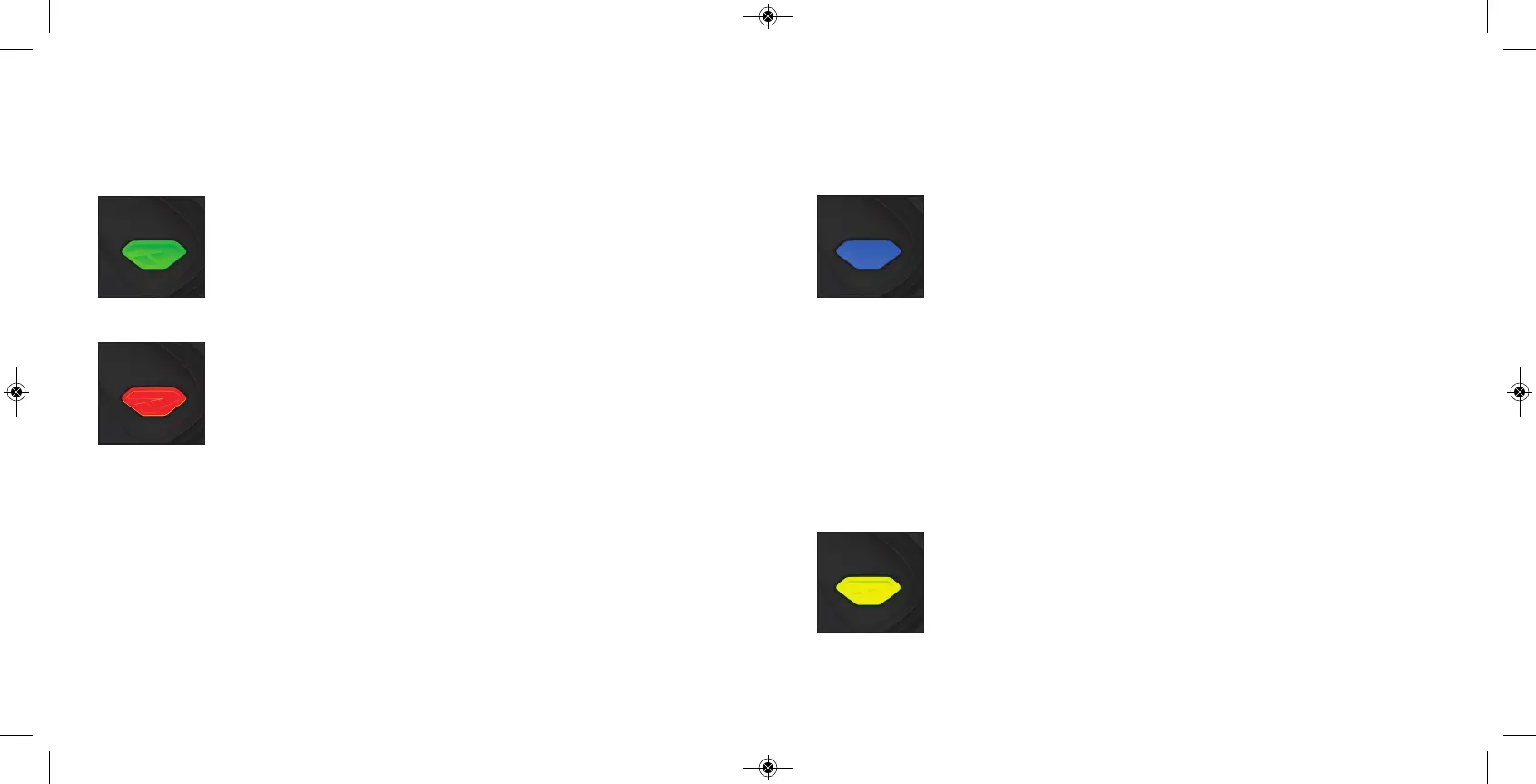
BLUE - Rate Of Fire ( ROF ) Values 1 - 30
The ROF setting is used to set the maximum rate of fire of the RIZE ™.
The values d o not co rrespond d irectly to a certain Balls Per Second
( BPS) value. You will need to use the tab le b elow to locate your
desired maximum ROF setting.
The factory setting is 3 (10 .0 bps).
Increasing ROF too high will i
ncrease probability of ball breakage
.
If this occurs decrease ROF setting .
YELLOW - F iring Mode Values 1 - 4 (default 1)
This setting chang es the firing mod e of the RIZE ™. Default is
semiauto matic. In the semiauto matic mode, one trig ger p ull
shoots out one p aintb all. The PSP mo de and the Millennium
mo de fo llow the rules of the p aintb all tournament series.
Value 1 - Semi- automatic Mod e
Value 2 - Mill
ennium Mode
Value 3 - PSP Mod e
V
alue 4 - F ull auto with first shot safety feature
1 9.80 BPS
2 9.90 BPS
3 10.0 BPS
4 10 .10 BPS
5 10 .20 BPS
6 10 .30 BPS
7 10 .41 BPS
8 10 .52 BPS
9 10 .63 BPS
10 10.75 BPS
11 10.86 BPS
12 10.98 BPS
13 11.11 BPS
14 11.62 BPS
15 11.76 BPS
16 11.90 BPS
17 12.04 BPS
18 12.19 BPS
19 12.34 BPS
20 12.50 BPS
21 12.65 BPS
22 12.82 BPS
23 12.98 BPS
24 13.15 BPS
25 13.33 BPS
26 13.51 BPS
27 13.69 BPS
28 13.88 BPS
29 14.0 8 BPS
30 14.28 BPS
RIZE
™
BOARD
SE TTINGS AND F UNC TI ONS
GREEN - Trigger Sensitivity Values 1 - 20 ( factory default 5)
Trigger sensitivity is th
e amount of time that the trig ger has to b e
released b efo re the next trigg er p ull is allowed . In some situations
with too low o f a value, the RIZE ™ can register more trig ger p ulls
than what was actually p ulled . This can cause the RIZE ™ to sho ot full
auto, even in semi- automatic mod e. To fix this, adjust the trig ger
sensitivity setting hig her.
RED - Dwell Values 1 - 50 ( factory default 40 )
Dwell is
the amoun
t of time that the solenoid will b e activated .
Follow these step s for the best way to set your d well:
• Remove load er and any p aintb alls from the RIZE ™ marker.
• With the d well set at 20 , start increasing the value until the marker
beg ins to fire.
• W hen you reach the setting where the marker begins to fire, get
some p aint and a load er and g o to a chronog raph.
• Increase the d well until you see no
increase in
the velocity.
This is the op timal d well setting to b e used .
NOTE: You cannot turn your marker off with the power button
when the marker is in configuration mode. You must first set DIP
switch 2 to the OF F position.


 To Next Page