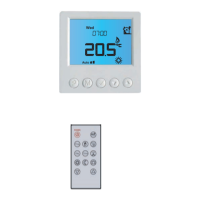
Timer setting
Each day of the week has 4 time periods,you should allot a temperature to each time period. Set the
temperature above room ambient temperature and the heating will come on until the desired temperature is
reached, or, set the temperature low and the heating will not come on during that time period. The default
settings are shown in the table below.
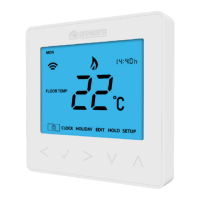
In normal timed power ‘on’ mode, press O to enter setting.
Press
△
or
▽
to select EDIT.
Press
△
or
▽
to select the day to be set.
Press
△
or
▽
to select the period to be set.
Press
△
or
▽
to select start time hour.
Press
△
or
▽
to select start time minute.
Press
△
or
▽
to select temperature.
Press O to enter day selection.
Press O to enter period selection.
Press O to enter start time set.
Press O to enter minute set.
Press O to enter temperature set.
Press O to confirm and move on to next time period.
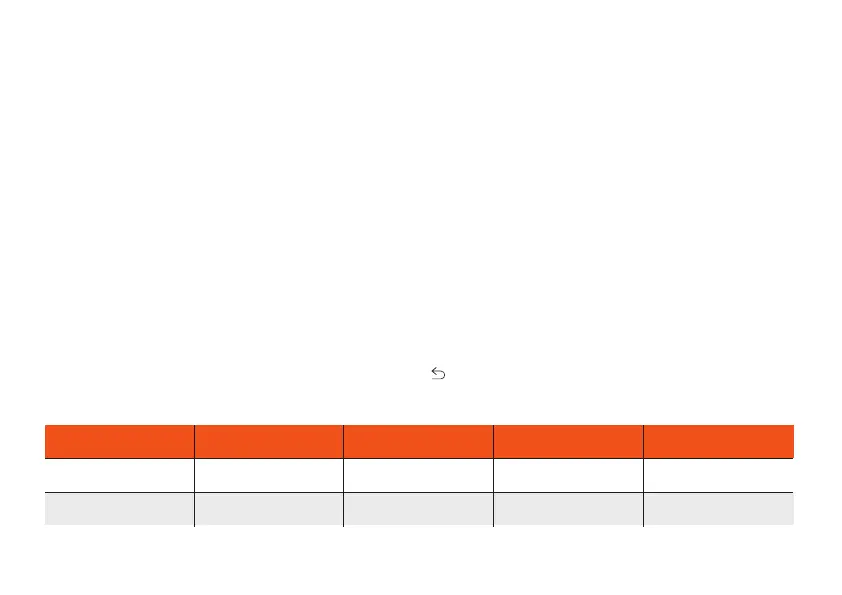
Press to revert to normal screen.
Period parameter table (Default)
Mon - Fri 07:00 22삸
08:30 19삸
08:30 22삸
17:00 22삸
22:00 19삸
22:00 19삸
17:00 22삸
08:00 22삸
Sat - Sun
Day Wake Leave Return Sleep


 To Next Page