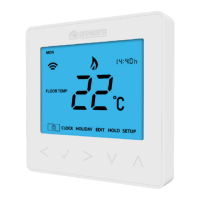
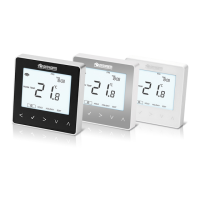
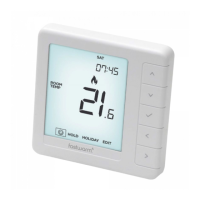
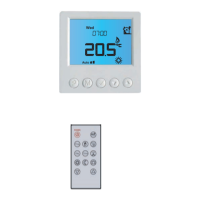
FUNCTION & USER OPERATION
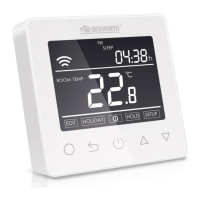
Press to turn on/off
Note: When frost protection mode is active, the thermostat will maintain the frost protection temperature
when in power ‘off’ mode.
Temporarily override temperature
In normal timed power ‘on’ mode, press
△
or
▽
to
change the current period temperature setting. The new
set temperature will flash for 30 seconds. The
thermostat will revert to the normal programmed setting
at the start of the next time period.
Key-lock
Setting Key-lock can prevent children and others from
switching thermostat parameters. In normal timed
power ‘on’ mode, press for 3 seconds to lock the
thermostat and again for 3 seconds to cancel.
Set the Time
In normal timed power ‘on’ mode, Press
O and the CLOCK symbol will flash.
Press O again to enter day set.
Press
△
or
▽
to set day.
Press O to confirm and enter hour set.
Press
△
or
▽
to set hour.
Press O to confirm and enter minute set.
Press
△
or
▽
to set minute.
Press O to confirm then press to
revert to normal screen.
Note: The WiFi version updates the time
automatically when connected to internet.


 To Next Page