Holiday mode
The thermostat will maintain frost protection
temperature until the holiday days ends.
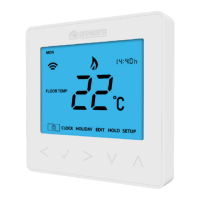
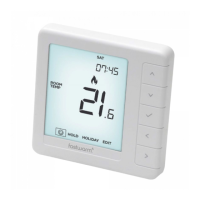
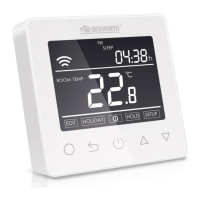
In normal timed power ‘on’ mode, press O to
enter setting.
Press
△
or
▽
to select HOLIDAY.
Press O to enter holiday days set.
Press
△
or
▽
to set holiday days .
Press O to confirm and return to the normal
screen.
Note: In holiday mode, ‘HOLIDAY LEFT’ and
the days remaining will show on display.
Set the holiday days to 0 to cancel holiday
mode.
Hold mode
The thermostat will maintain the ‘hold temperature’
until the hold time ends.
In normal timed power ‘on’ mode, press O to enter
setting.
Press
△
or
▽
to select HOLD.
Press O to enter hold time set.
Press
△
or
▽
to set hour.
Press O to enter minute set.
Press
△
or
▽
to set minute.
Press to enter hold temperature set.
Press
△
or
▽
to set hold temperature.
Press O to confirm and return to the normal screen.
Note: In hold mode, ‘HOLD’ will show on display.
Set the hold time to 00:00 to cancel hold mode.


 To Next Page