ORiNOCO
®
802.11n Access Points - Software Management Guide 34
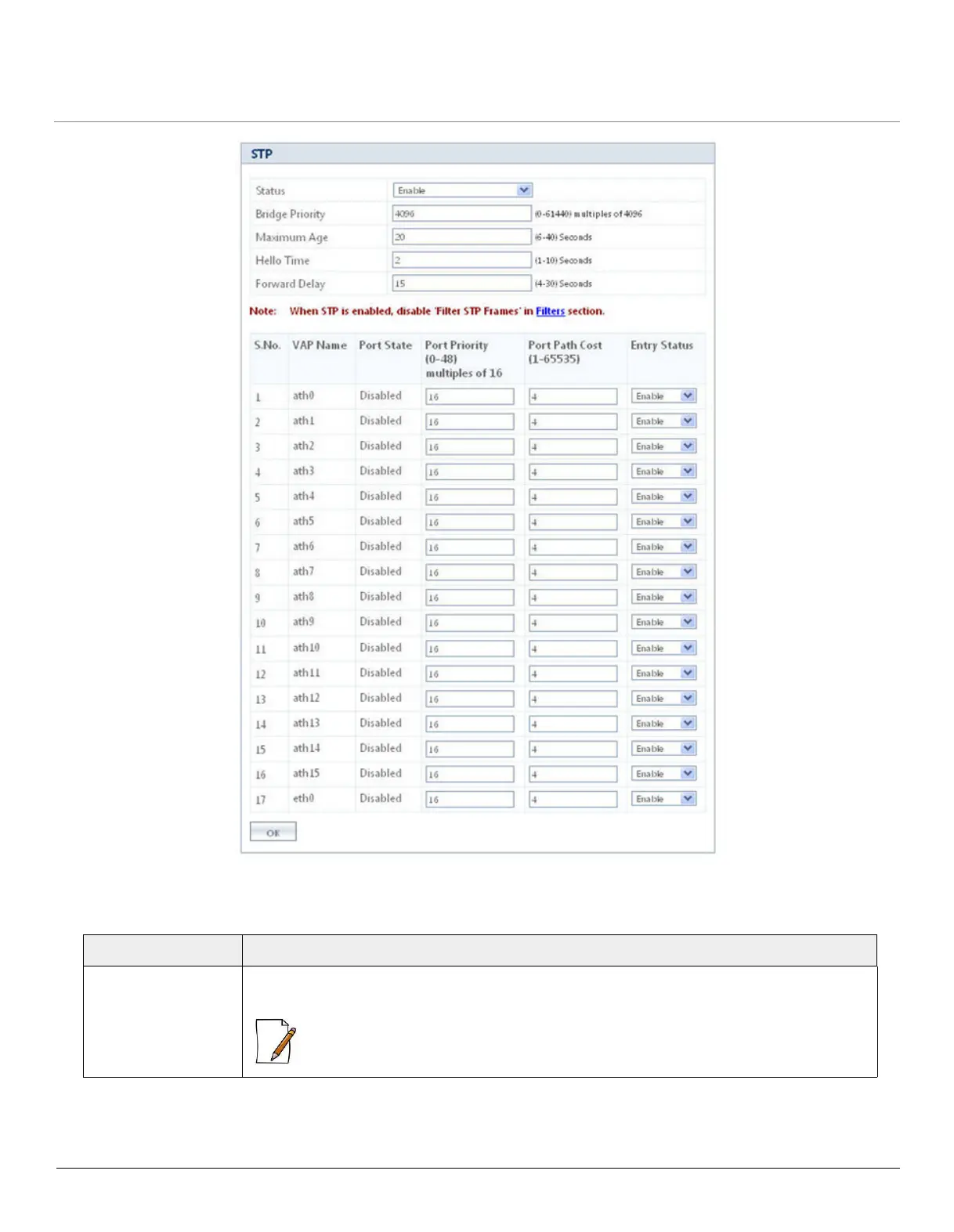
Figure 5-7 STP Configuration
Tabulated below are ‘STP’ parameters and the method to configure the configurable parameters:
Parameter Description
Status Specifies the status of the STP feature on the AP device. By default, STP is disabled. To
enable, select Enable from the drop down menu.
: If you enable STP, disable 'Filter STP Frames' in Filters. See Filters.



 To Next Page
 Loading...







