10
Using the Projector (continued)
Turning off the power
1
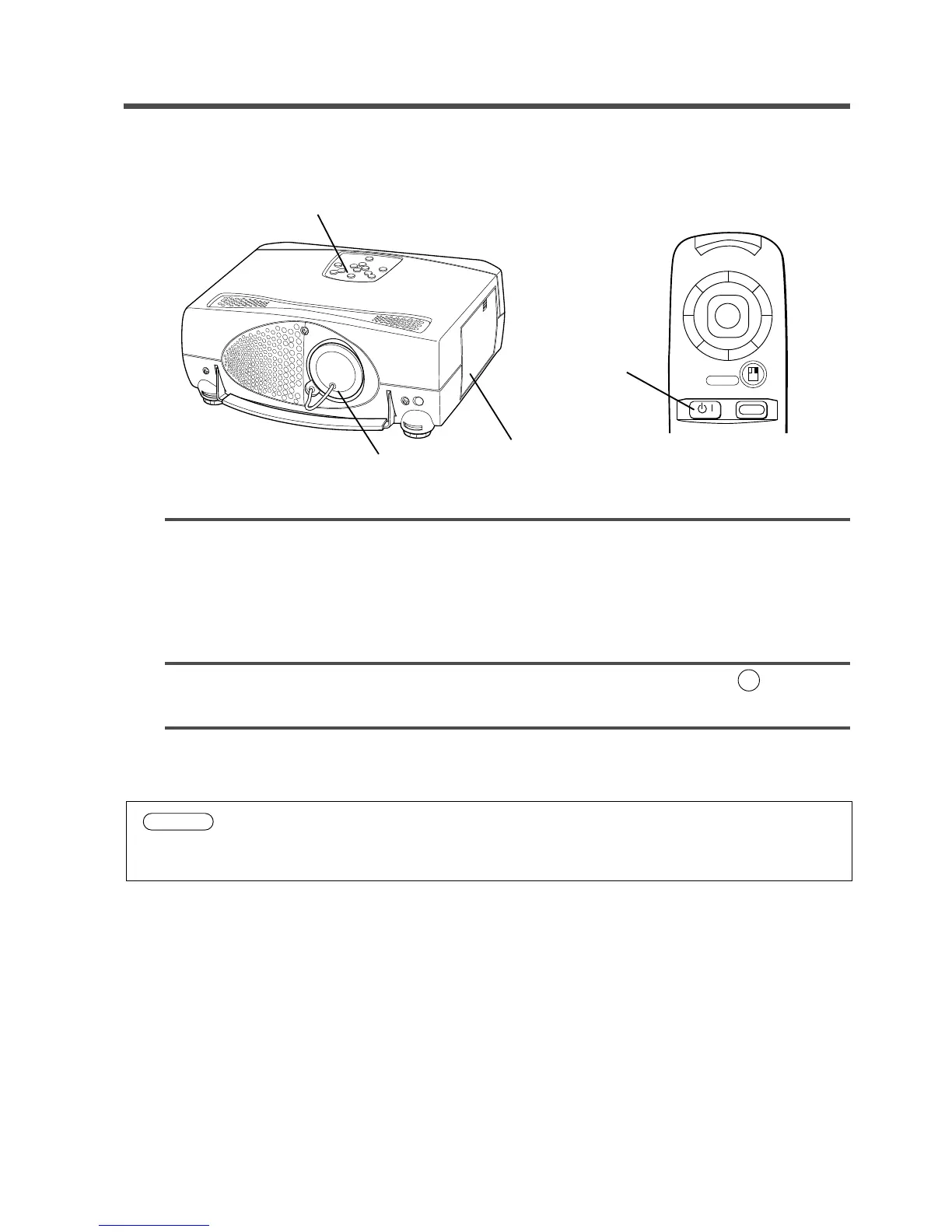
Press and hold the STANDBY/ON button for 1 second.
•The ON indicator lights up orange and the lamp turns off. About 1 minute later, the fan stops and the
indicator blinks orange.
NOTE: If you press the STANDBY/ON button for less than 1 second, the projector will not switch
to Standby mode.
2
Turn the MAIN POWER switch of the projector off. [
: OFF]
3
Replace the lens cap.
1
2
1
3
Caution
Do not turn off the projector’s MAIN POWER switch before pressing the STANDBY/ON
button. After the STANDBY/ON button is pressed, the fan will run for about 1 minute to cool
the projector.
RIGHT
STANDBY/ON
RISET
MENU
RIGHT
RESET



 To Next Page