12
Using the Menus
Storing your settings
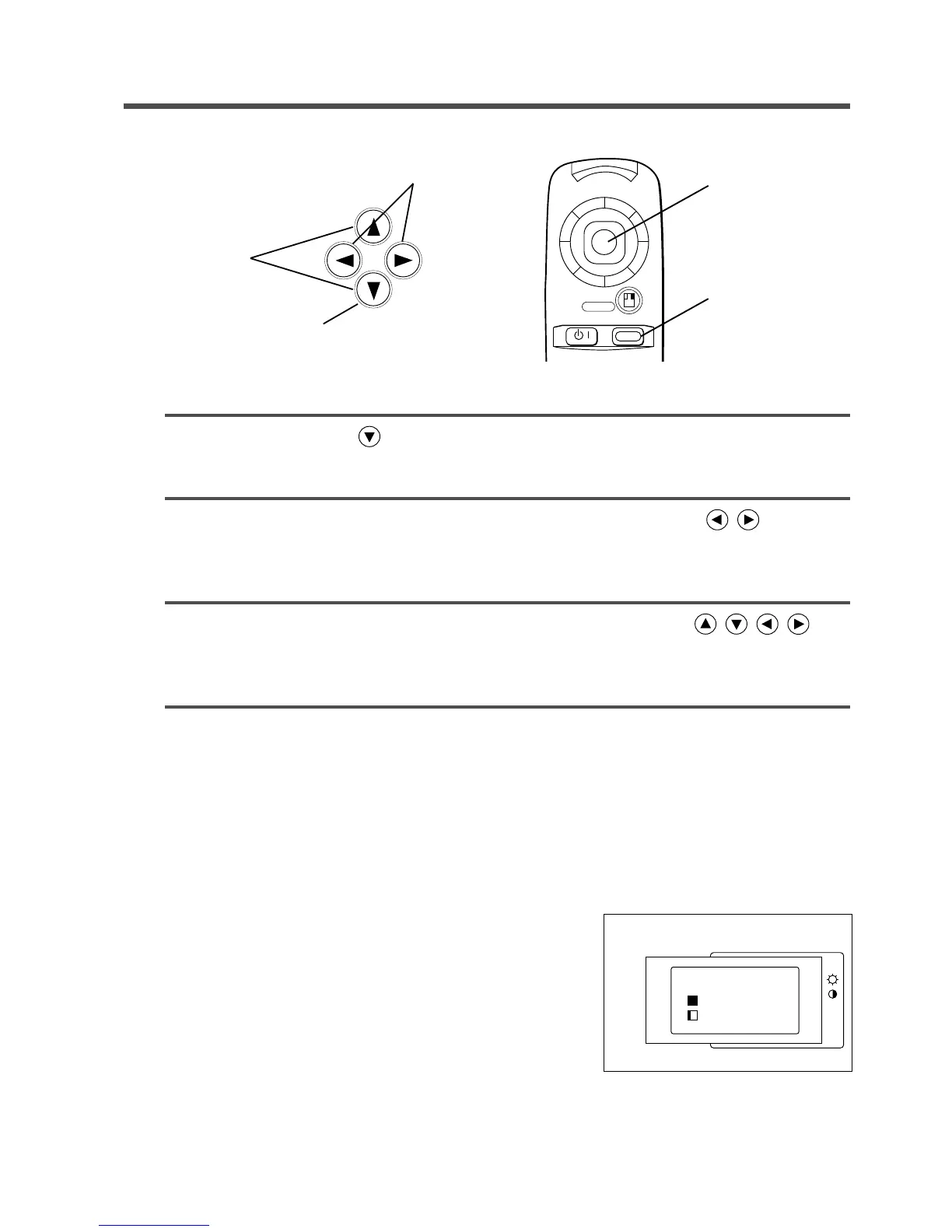
Settings can be saved for the VIDEO1, VIDEO2, RGB1 and RGB2 input terminals. These adjustments are
saved after projector power is turned off.
1
Press the MENU ( ) button or the MENU ON / OFF button.
•Menus are displayed on the screen.
2
Select the menu to be adjusted using the MENU ( )
buttons or the MENU STICK SWITCH.
•The menu displayed in green is selected.
3
Select the item to be adjusted using the MENU ( )
buttons or MENU STICK SWITCH.
•The item displayed in green can be adjusted.
4
The changes take effect.
To return to the initial settings
• Select the menu item to restore to the initial setting using the
menu buttons or menu stick switch.
• Press the RESET button.
• Select DEFAULT
• Select the item to restore to the initial setting.
• Press the RESET button a second time.
SETUP INPUT IMAGE OPT.
VOL
BRI
CON
SHA
COL
TIN
RESET ‘SETUP’
DEFAULT
CANCEL
2, 3
3
1
2
menu



 To Next Page