Tips :
a. After searching, press <⑧Previous/Rewind> or <⑩Next/Fast-for
ward> to select the channel you want to listen.
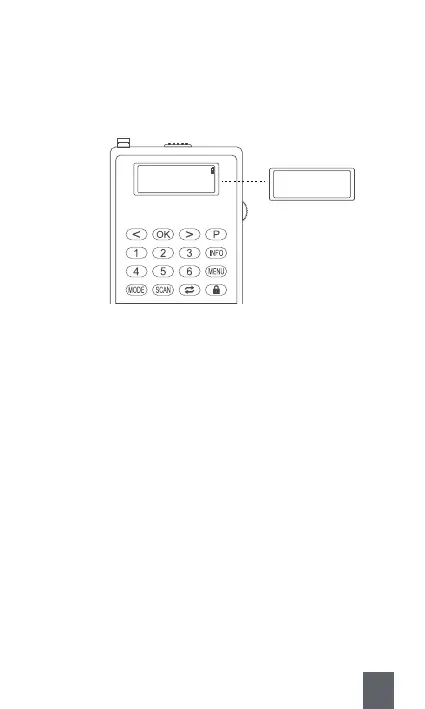
b. You could also listen to the channel you have stored by inputting its
serial number directly. But this method is only suitable for number
1-6.
B. Save with Long Pressing the Number Button Directly
E.g. If you want to number a channel as “P6” , you just need to Long
press the number button “6” . Then the channel will be stored as P6
successfully.
Note : This method is only suitable for number 1-6.
Preset Store
<4: 174.928MHz >
Long press button “6”
Preset 6
Stored
17



 To Next Page