13. INTERNAL COMMUNICATION
AMONG INDOOR UNITS
At least 2 indoor units are required.
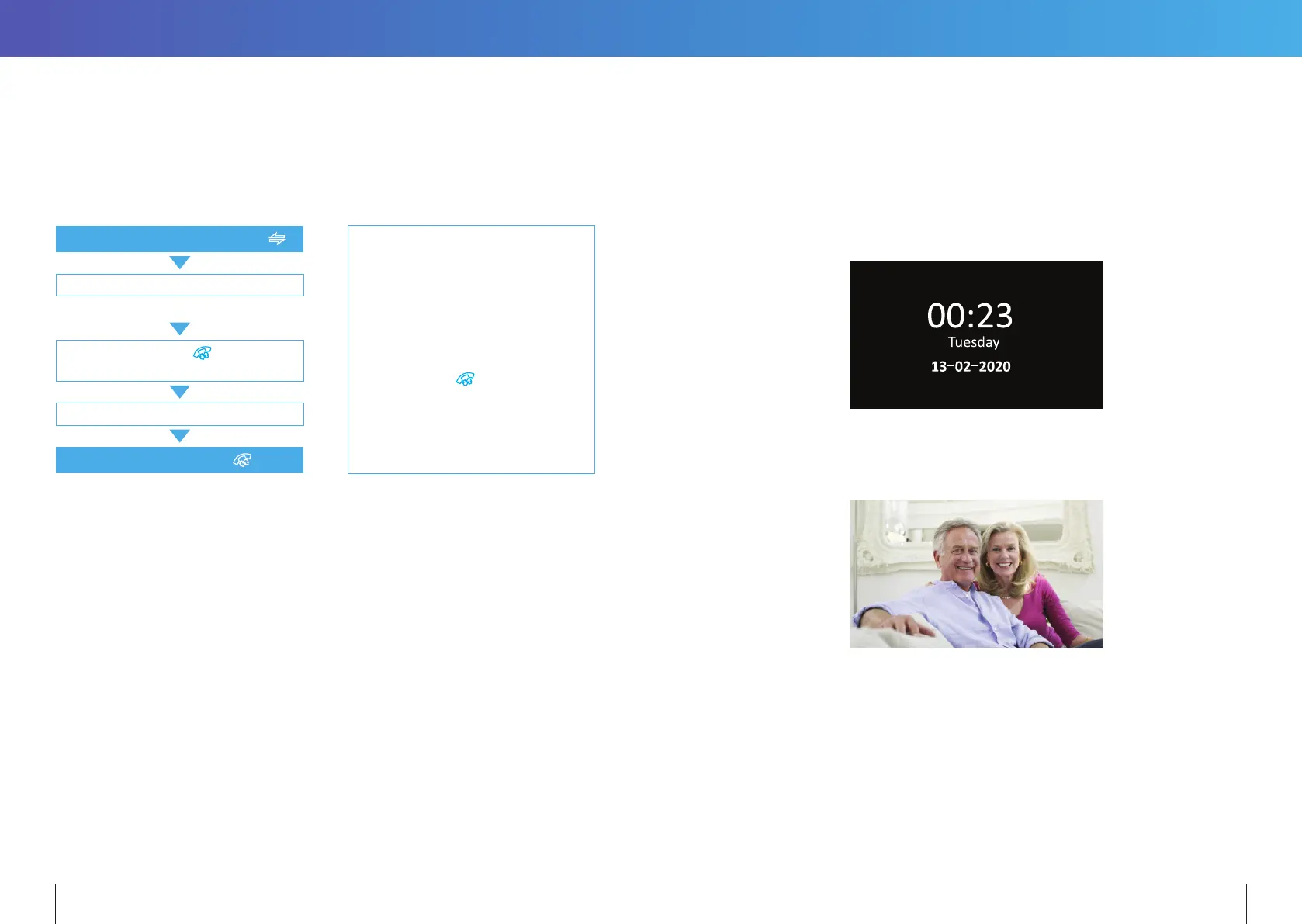
Standby Mode
Press & hold the Transfer Call button
Note:
If a visitor presses the call button
of either Door Station, the Internal
Communication mode will exit. The
visitor’s image will be displayed with
ringing. Press
button to start a
conversation with the visitor.
Select an extension which you want
The target monitor will ring
Press the TALK BUTTON of the receiving
monitor to accept the incoming call
Start conversation between indoor units
Press Hang Up button.
14. MENU OPERATIONS
14.1 STANDBY MODE
There are 2 mode options during standby mode: Clock and Date mode or Digital Photo
Frame mode.
14.1.1 Clock and Date Mode
14.1.2 Digital Photo Frame Mode
In Digital Photo Frame mode, the Monitor cycles through the photos in the
\USER\Photo directory on the MicroSD card.
Note:
1. By default, the clock is displayed on standby mode. If the Digital Photo Frame is turned
ON, then the images saved on the microSD card are displayed instead.
2. The \USER\Photo directory on the MicroSD card must be manually created. Pictures
stored in this directory will be displayed. Note: The directory name is case sensitive.
3. The image files must be reduced to 1024(W) x 600(H) pixels, be in landscape orientation
and no larger than 1MB is size.
16 17


 To Next Page