Go to Contents Precise Time and Frequency, Inc., 50L Audubon Road, Wakefield, MA 01880, USA ptf 3207A rev G
Tel: +1-781-245-9090 e-mail: info@ptfinc.com www.ptfinc.com pg. 57
Instructions for allowing the TFTP utility through Windows Firewall
Typically the default settings on Windows computers will not allow external programs to access files on
the computer. For our purposes, the TFTP utility is being used to transfer the downloaded files from
our computer to the ptf instrument, prior to upgrading the instrument flash, and therefore we must
insure that the TFTP program has access to the files.
The following procedure was written for a Windows computer running Windows 7 Professional :
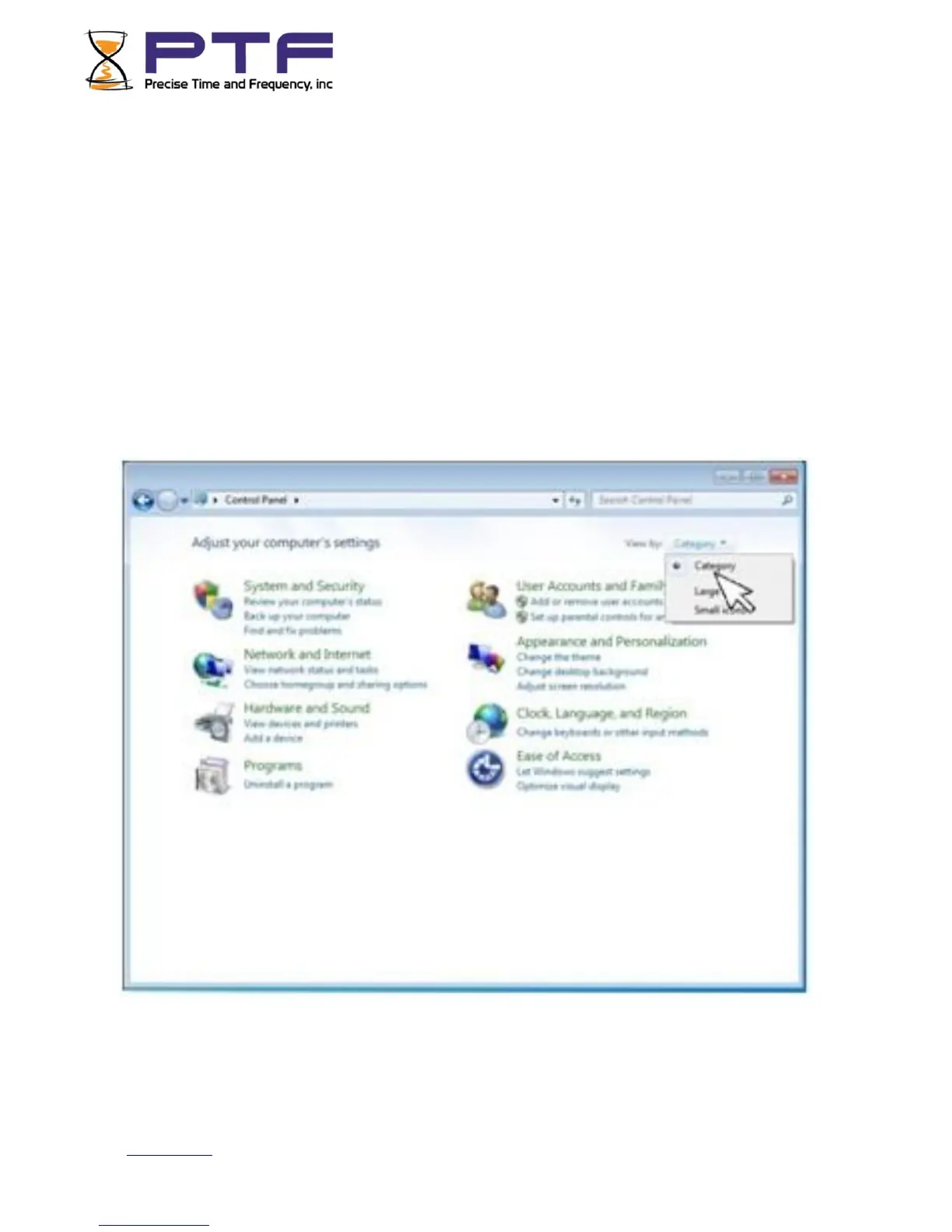
First open the computer Control Panel utility. Make sure the "View by Category view is selected.
Click on "System and Security". This will bring up the System and Security window.


 To Next Page