11984 Rev 01 Page 2 of 4
4.1 Operation
↑ ↓
∗
ENT
Star key
Up-arrow
key
Down-arrow
key
Enter key
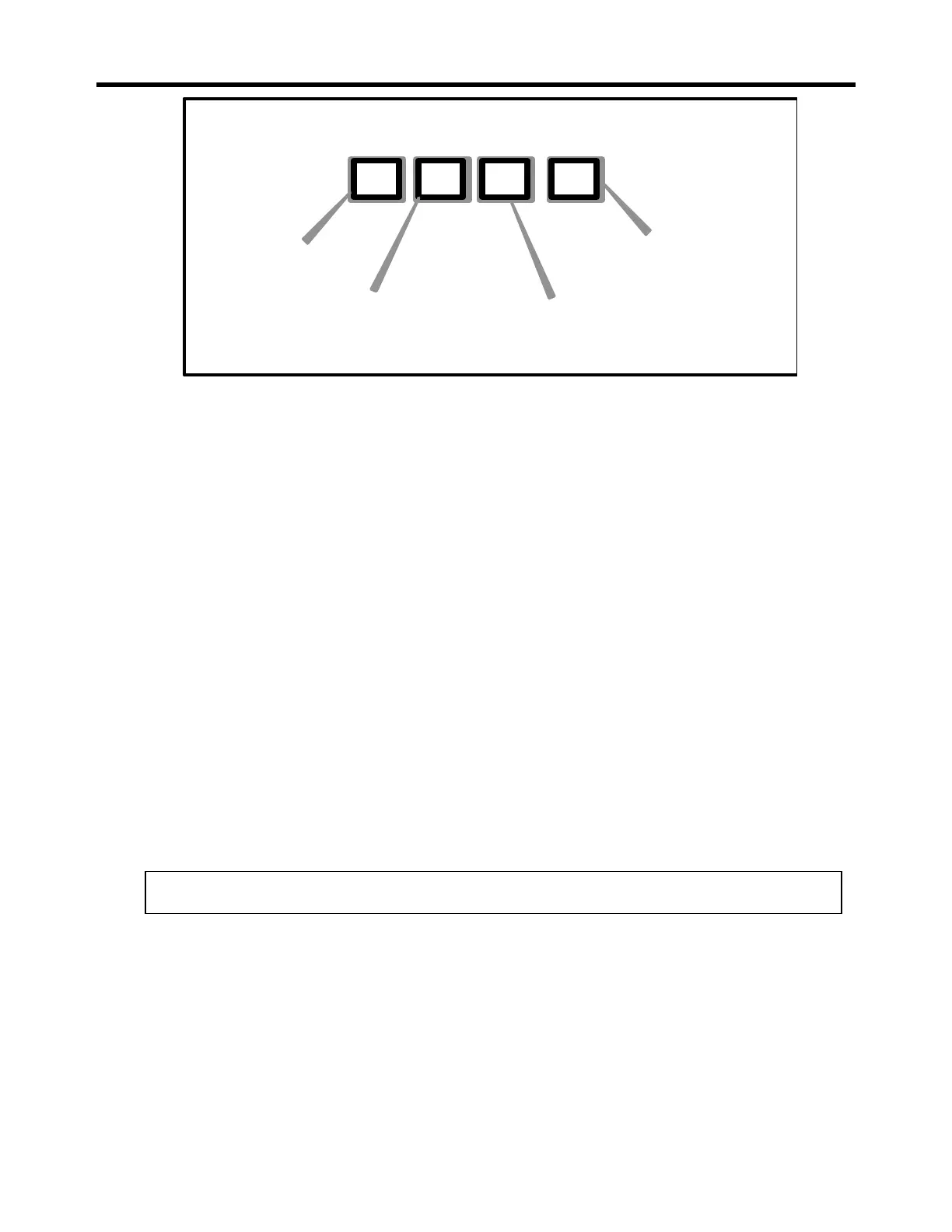
Figure 4-1 : The four keys on the front of the Supervisor allow acces to all 64
Command Menu Items
1. The Up-Arrow Key [↑]: The up-arrow key [↑] has two functions: the first function
is to scroll up the list of menu entries; the second function is to increment the
value of an entry that has been selected by the star key [*].
2. The Down-arrow Key [↓]: The down-arrow key [↓] has two function: the first func-
tion is to scroll down the list of menu entries; the second function is to decrement
the value of an entry that has been selected with the star key [*].
3. The Enter Key [ENT]: The enter key [ENT] is used to enter into memory a menu
value that has been changed by the up- or down-arrow keys: [↑] or [↓].
Example: To increase the pressure set point in the tube:
1) Press the Up-arrow [↑] or the down-arrow [↓] until the display shows: Pres SP1
2) Press the star key [*] to allow a change to "Pressure set point 1." A star will now
precede the menu entry: * Pres SP1
3) Increase the set point using the up-arrow key [↑].
4) When the new set point is reached, press the enter key [ENT]. The star will
disappear. The new set point has now been entered into memory and the
Supervisor will drive the 1510 to control at the new set point.
I Important! The controller is not activated until the enter key [ENT] is pressed.



 To Next Page