16
v3.0 2024-04-10
Using Auto Tracking
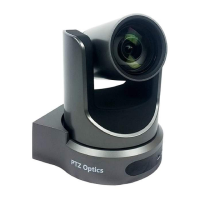
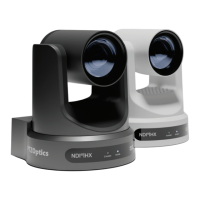
• The PTZOptics Move SE Cameras feature built-in auto-tracking capabilities. You
can turn on Auto-Tracking by pressing the auto-track button on the IR remote control
[F3].Pressing [F4] will disable auto Tracking. You can also turn auto-tracking on and
o using the web user interface. To do this, go to the camera mode section under the
control tab. Toggle auto-tracking on or o using the drop down option.
• When selecting targets, a green selection box will breiy appear on the camera’s
video feed, highlighting the foremost presenter.
• To select and lock onto a presenter, press the left and right arrow keys to move
the green selection box between participants and then press the [Home] button to
conrm your selection, after which the green selection box will briey ash red.
• The Move SE’s auto-tracking leverages a feature called Presenter Lock. This
allows the Move SE to lock onto a specic presenter and track them even with other
participants in the background.
• Auto Tracking Distance Limitations:
Camera Model Auto-Tracking Distance
Limitation
12X Move SE 60 feet (18.3 Meters)
20X Move SE 100 feet (30.5 Meters)
30X Move SE 120 feet (36.5 Meters)


 To Next Page