6
Starting Your Camera for the First Time
Your new camera has many options for connecting, powering, controlling, and streaming. This
Quick Start Guide will help you understand how to use each of these dierent options.
1. Refer to the Table of Contents on page 1 to nd the various options available for your camera.
2. Read the instructions for the specic aspect of your camera that you want to use.
3. Refer to the page following the illustration of the back plate of your camera to help
determine which aspect of the camera you would like to use.
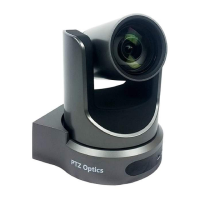
We have created videos to help you set up and use your camera. Scan the QR code below or type
in the URL to get started! Click the links to view:
Unboxing
t.ly/vBSV
Upgrading your Firmware
t.ly/4LC-


 To Next Page