10
MAINTENANCE
ATTENTION: DISCONNECT FROM MAINS POWER SUPPLY BEFORE DOING
ANY MAINTENANCE WORK. ALWAYS OPERATE THE CLEANER WITH THE
CLOTH FILTER BAG AND PAPER DUST BAG CORRECTLY INSTALLED. THIS WILL
PREVENT ANY DAMAGE TO THE CLEANER AND HELP MAXIMISE CLEANING
PERFORMANCE.
REPLACING THE DUST BAG
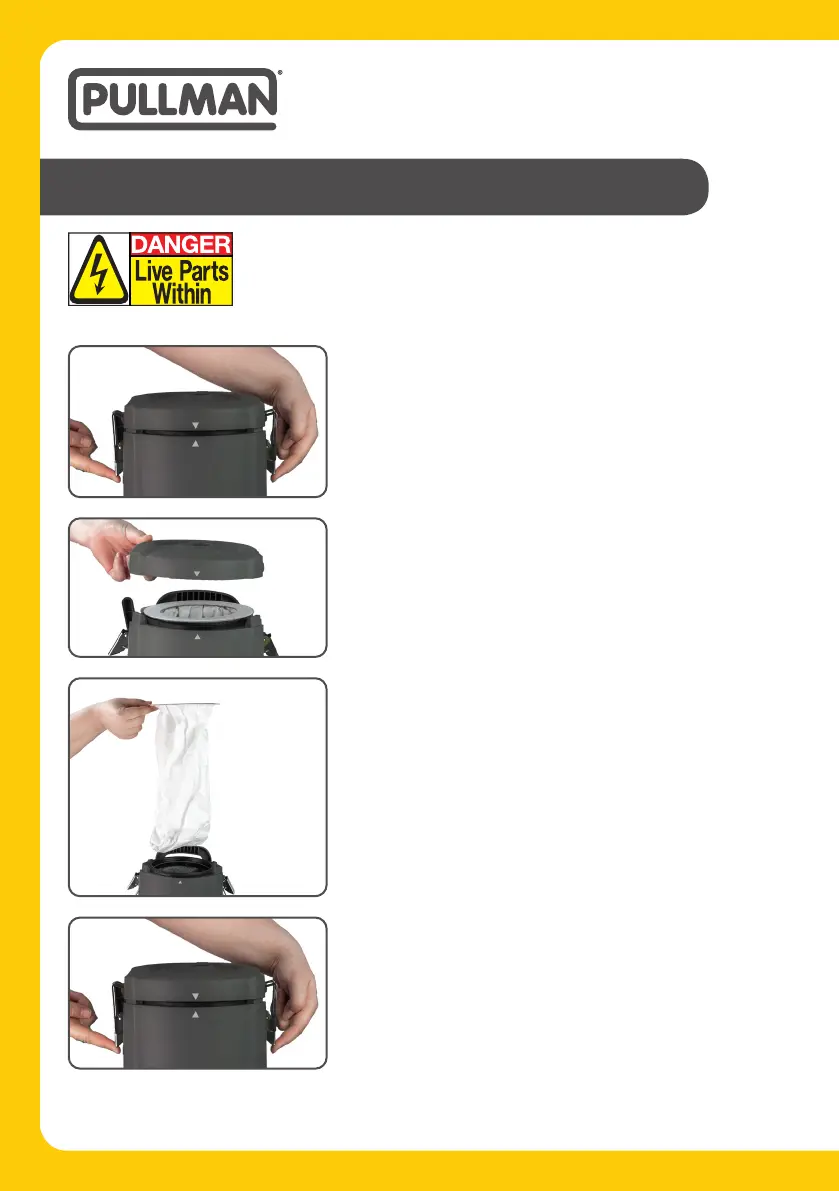
1. Unfasten the Dust Bin Lid Latches, as shown, to release
the dust lid bin.
4. Fasten the Dust Bin Lid Latches.
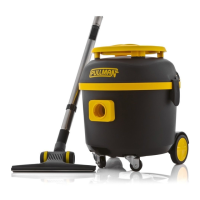
2. Remove the dust bin lid to access the dust bag.
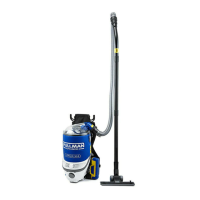
3. To replace the dust bag, simply lift the dust bag out of
the Backpack, as shown, and replace with a new dust
bag.


 To Next Page