EasyManua.ls Logo

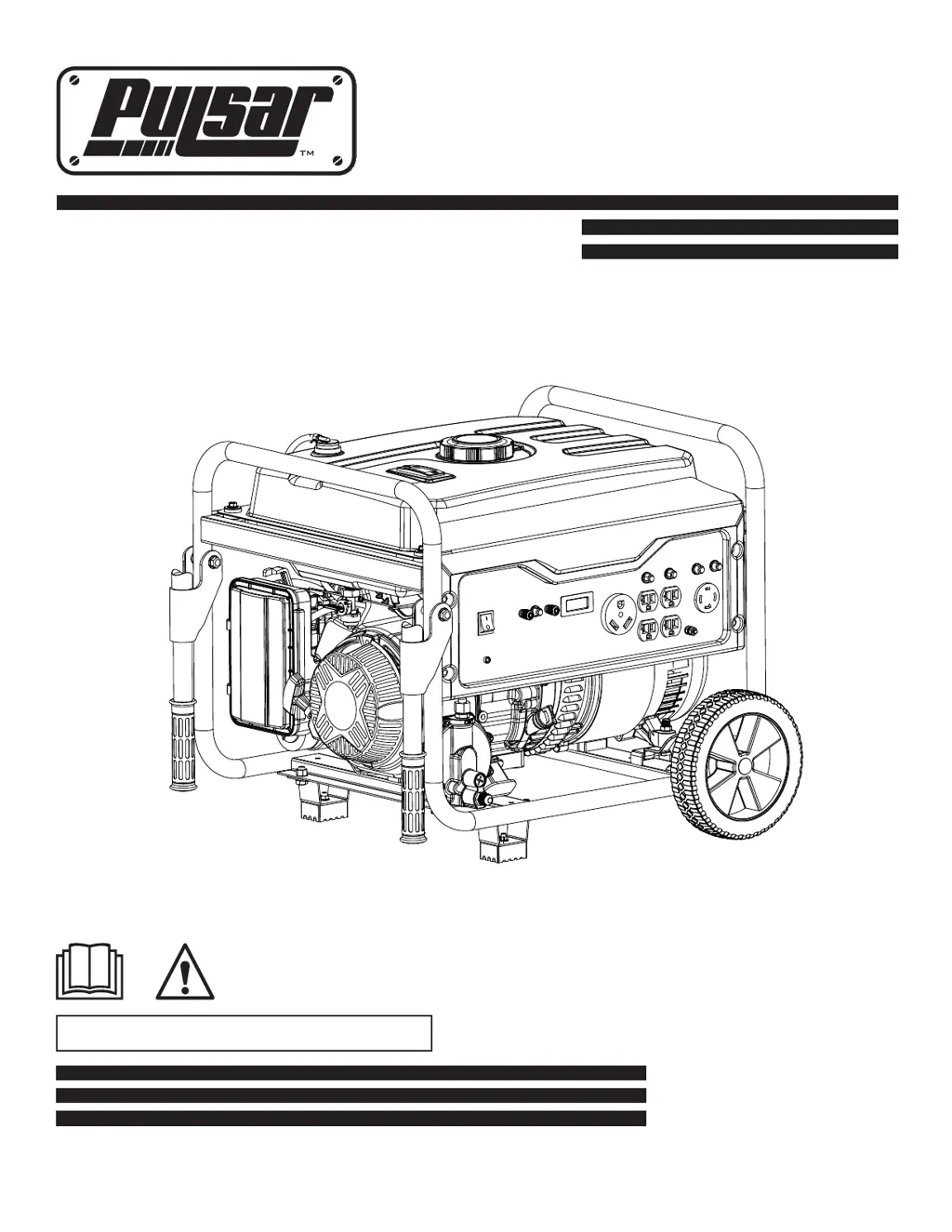
Pulsar G65BN - User Manual

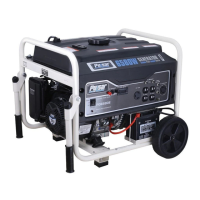
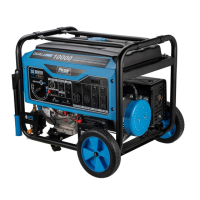
Pulsar G65BN
46 pages
Print Icon
To Next Page IconTo Next Page
Loading...
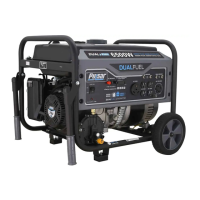
Generator
www.pulsar-products.com
OPERATOR’S MANUAL
Warning: The Engine Exhaust from this product contains chemicals known to
the State of California to cause cancer, birth defects or other reproductive harm.
Model: G65BN

Questions and Answers

  • C
    christopher04Jul 28, 2025
    Why won't my Pulsar G65BN Portable Generator start?
    • A
      Adrian LindseyJul 29, 2025
      If your Pulsar Portable Generator won't start, shuts down during operation, or starts and runs rough, here are a few things you can check: - Ensure the switch is in the “ON” position. - Replace the air filter. - Clean or replace the fuel filter. - Replace the fuel. - Reconnect the spark plug wire. - Replace the spark plug. - Drain the fuel tank and replace the fuel. - Ensure the fuel valve is in the “ON” position. - Turn off the choke. - Fill the crankcase to the proper oil level and place the generator on a level surface. - Wait 5 minutes and crank engine.
  • R
    Randy BowmanAug 3, 2025
    What to do if my Pulsar G65BN Portable Generator engine is running but there is no AC output?
    • A
      Andrew KaufmanAug 3, 2025
      If the engine of your Pulsar Portable Generator is running, but there's no AC output, you can try the following: - Reset the circuit breaker. - Check and repair the generator as needed. - Connect a device that is working properly.
  • J
    James GarzaAug 9, 2025
    How to troubleshoot a Pulsar G65BN that lacks power?
    • S
      Sara BowersAug 10, 2025
      If your Pulsar Portable Generator lacks power, consider these steps: - Ensure you are not overloading the generator. - Clean or replace the fuel filter. - Replace the air filter.
  • W
    whitakerleeAug 15, 2025
    Why does my Pulsar G65BN engine run well without a load, but bogs down when loads are connected?
    • T
      Teresa KentAug 16, 2025
      If your Pulsar Portable Generator engine runs well without a load but bogs down when loads are connected, try the following: - Disconnect the device. - Ensure you are not overloading the generator, see pg 17 “Don’t overload generator”. - Clean or replace the fuel filter.
  • J
    Joseph JacksonAug 21, 2025
    What to do if the engine of my Pulsar G65BN Portable Generator hunts or falters?
    • M
      Mark RiveraAug 21, 2025
      If the engine of your Pulsar Portable Generator “hunts” or falters, try this: - Move the choke to the middle position until the engine runs smoothly. - Clean or replace the fuel filter.

Summary

Safety Rules

Safety Symbols Explained

Defines the meaning of warning, caution, and hazard symbols used in the manual.

Essential Safety Instructions

Offers crucial instructions on safe generator operation, including CO hazards and lifting.

Generator Capacity Warnings

Warns against exceeding the generator's capacity to prevent damage to the unit and devices.

Electrical Connection Safety

Advises against starting or stopping the engine with electrical devices connected.

Fuel and Flammable Material Safety

Emphasizes keeping the generator away from flammable materials and outlines fuel handling precautions.

High Voltage and Electrocution Risk

Warns about high voltage output and risks of burns or electrocution.

Generator Grounding Requirements

Stresses the necessity of properly grounding the generator to prevent electrocution.

Unit Modification Warning

Discourages modifying the unit or its governed speed to prevent damage and injury.

Operation

Generator Grounding Procedure

Explains the NEC requirements and method for grounding the generator.

Starting Engine with Gasoline

Details the procedure for starting the generator using gasoline as fuel.

Starting Engine with LPG

Details the procedure for starting the generator using LPG as fuel.

Preventing Generator Overload

Explains how to calculate loads and prevent overloading the generator.

Maintenance

Recommended Maintenance Schedule

Presents a schedule for routine maintenance tasks based on operating hours.

Changing Engine Oil

Provides step-by-step instructions for draining and refilling the engine oil.

Troubleshooting

No AC Output While Running

Lists common causes and solutions for lack of AC output when the engine is running.

Engine Bogs Down Under Load

Addresses issues where the engine struggles or bogs down when electrical loads are applied.

Starting or Running Problems

Covers common problems related to starting, shutting down, or rough engine operation.

Diagrams

Pulsar G65BN Specifications

General IconGeneral
Fuel TypeGasoline
Fuel Tank Capacity6.6 Gallons
Run Time at 50% Load13 Hours
Engine Type4-Stroke OHV
Starting SystemElectric Start
AC Output120/240V
DC Output12V
Outlets4x 120V 20A, 1x 120/240V, 1x 12V DC

Related product manuals